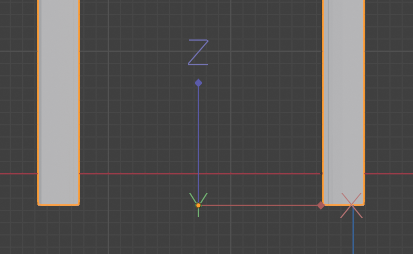
This one is pretty basic: in order to change the origin of an object you can right click and choose one of the options:

Or you can set it manually, just go into Edit Mode, then at the top right of the viewfinder go to Options, Transform, Affect Only Origins.
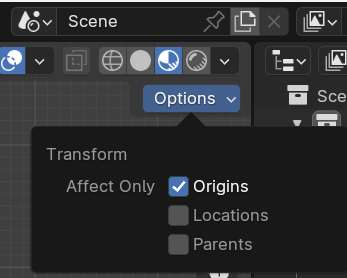
This allows you to move the origin to wherever you want, without affecting the object. Dont’ forget to apply transforms (ctrl+A) when you’re playing around with this stuff.
Leave a Reply
Only people in my network can comment.