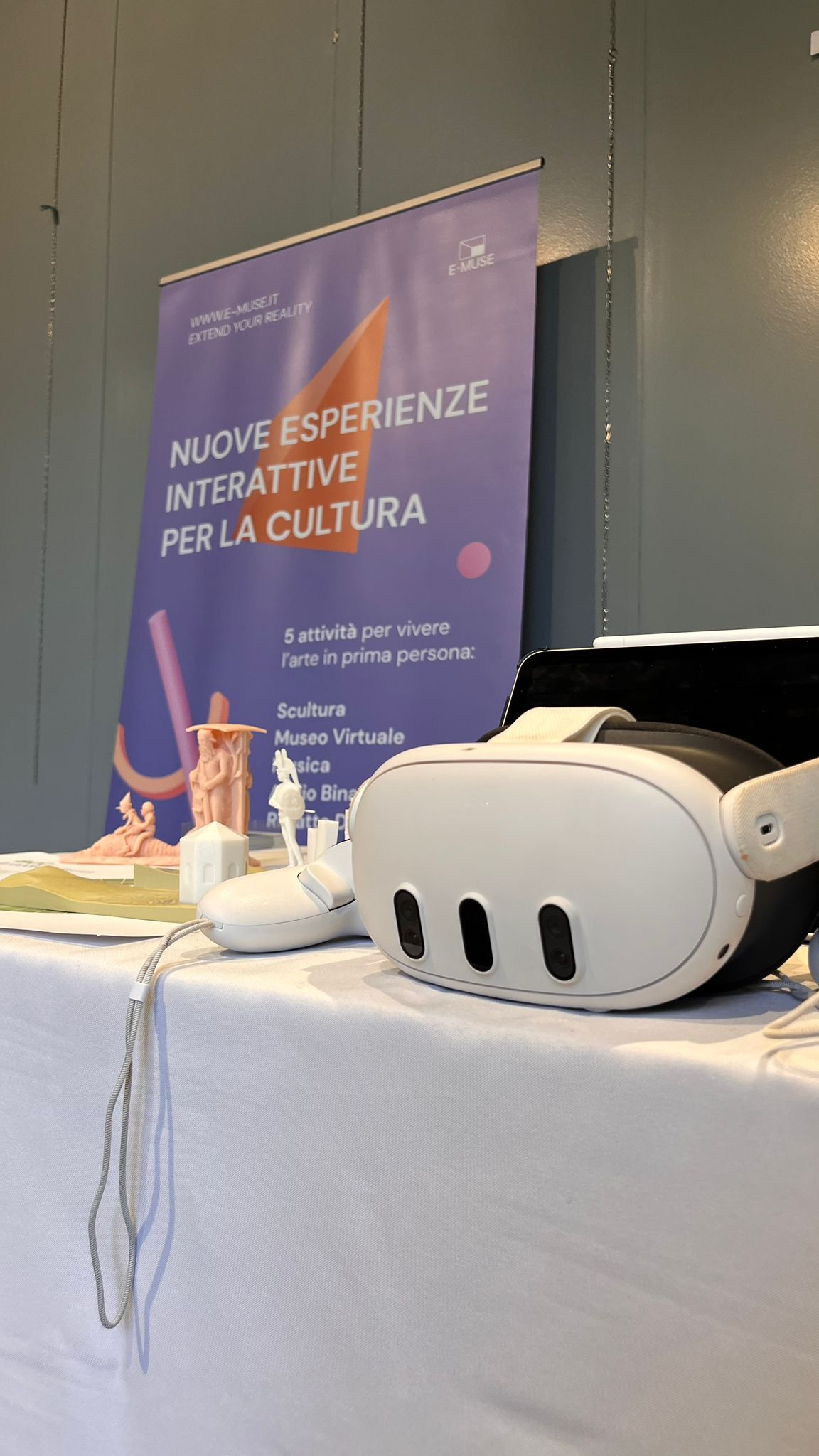
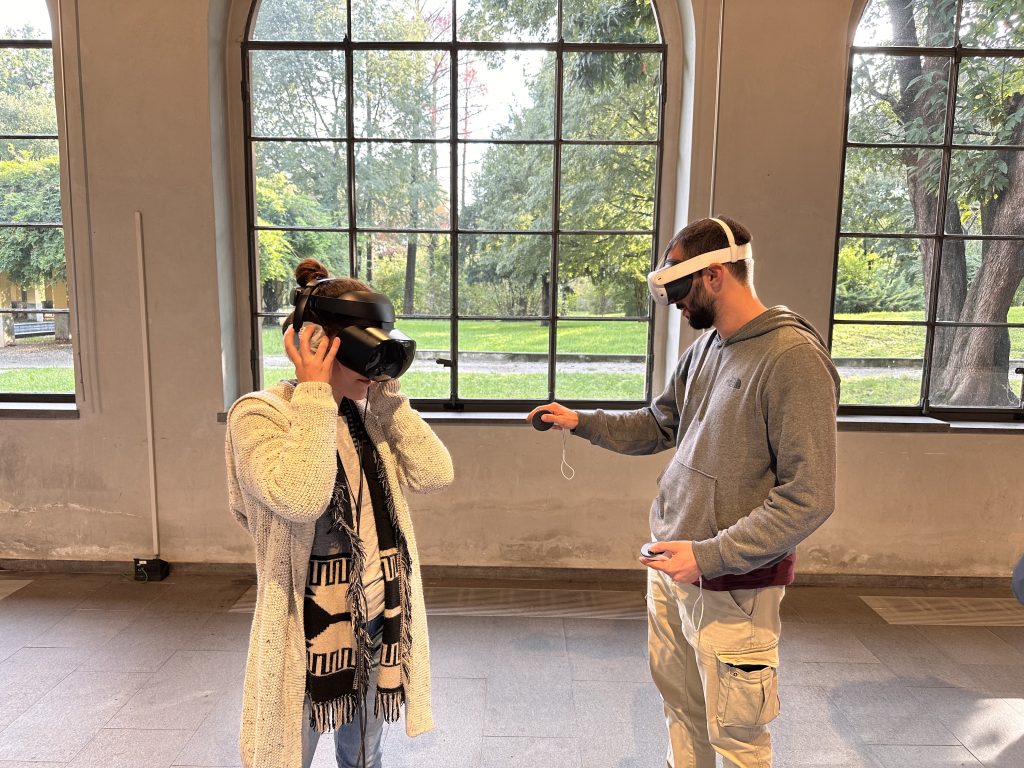
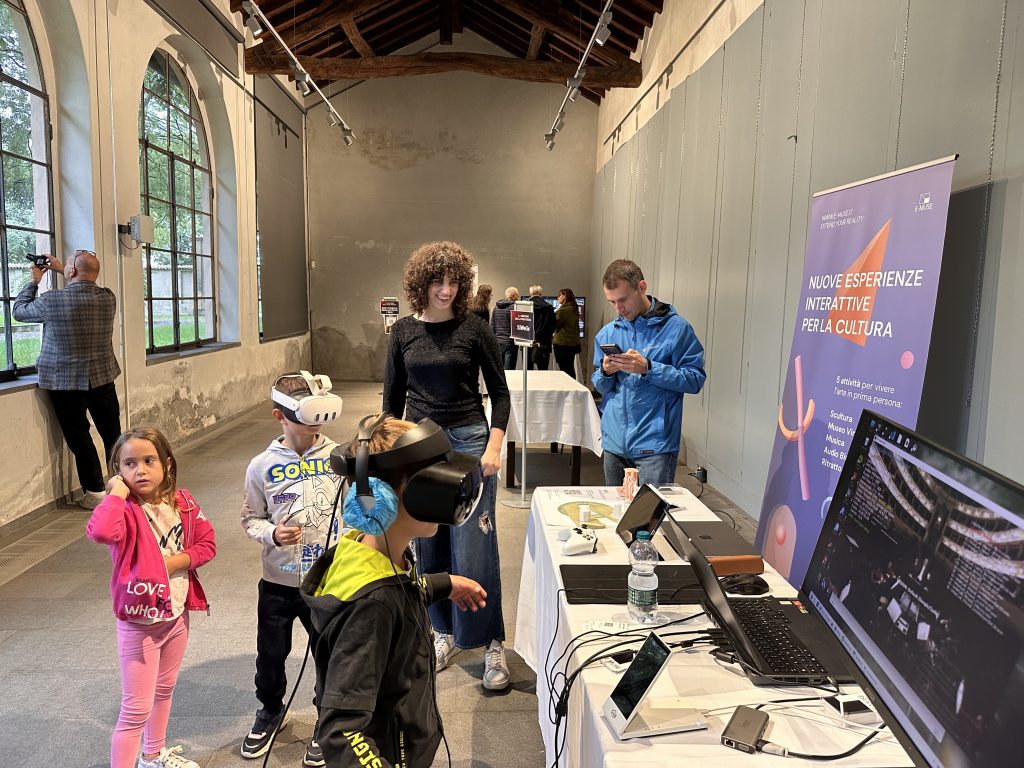
As is often the case, kids where the ones most interested in VR.
For the occasion, we came up with an interactive way of showing our BCC Arte & Cultura 3D Gallery, by 3D-printing the terrain and pavilions, and sticking QR codes on the parts.
For the 2025 edition of the BCC Innovation Festival, we’re creating a little game, that will act as a sort of on-boarding for people looking to apply.
In this game, a friendly robot will ask the player to solve some riddles and find some objects. This must not interfere with the audio stream, as users can talk to each other.
Whenever the robot gives out information, it has a speech bubble and one of the yap sounds plays. There are several of these, and they’re meant to mimic an explanatory prosody.
Whenever the player provides an incorrect answer, the nay chime is played.
Finally, when a level is completed, we play the yeah sound. This is a longer joyful jingle, which would get annoying pretty quickly if it was overplayed.
All these sounds were created by playing around with the 8-bit instrument package in Logic Pro. Except for the nay, they’re all built around major triads.
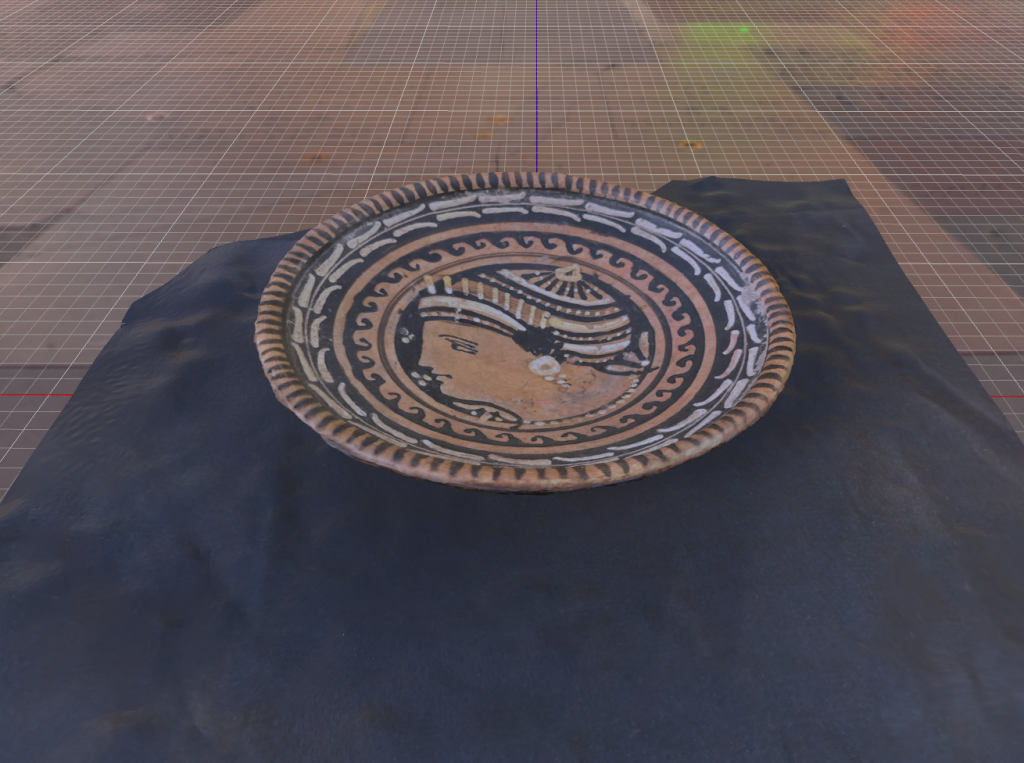
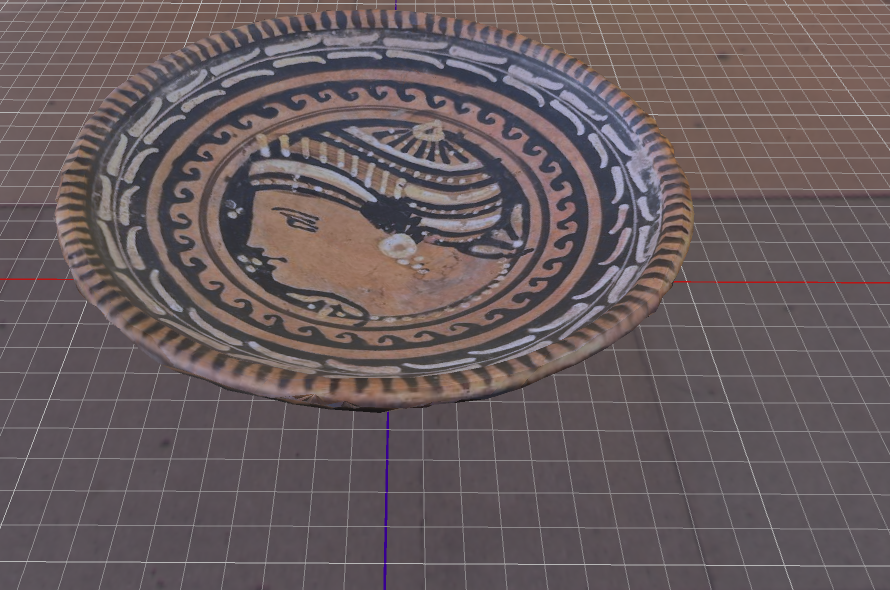
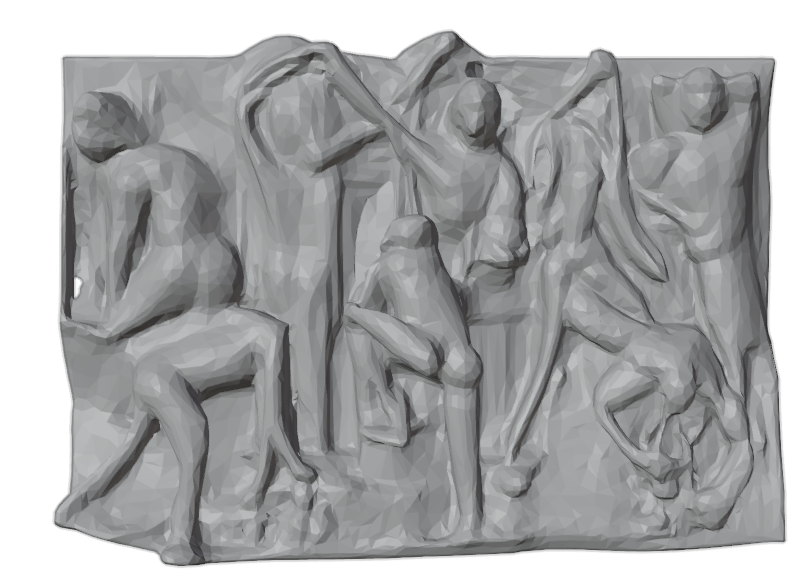
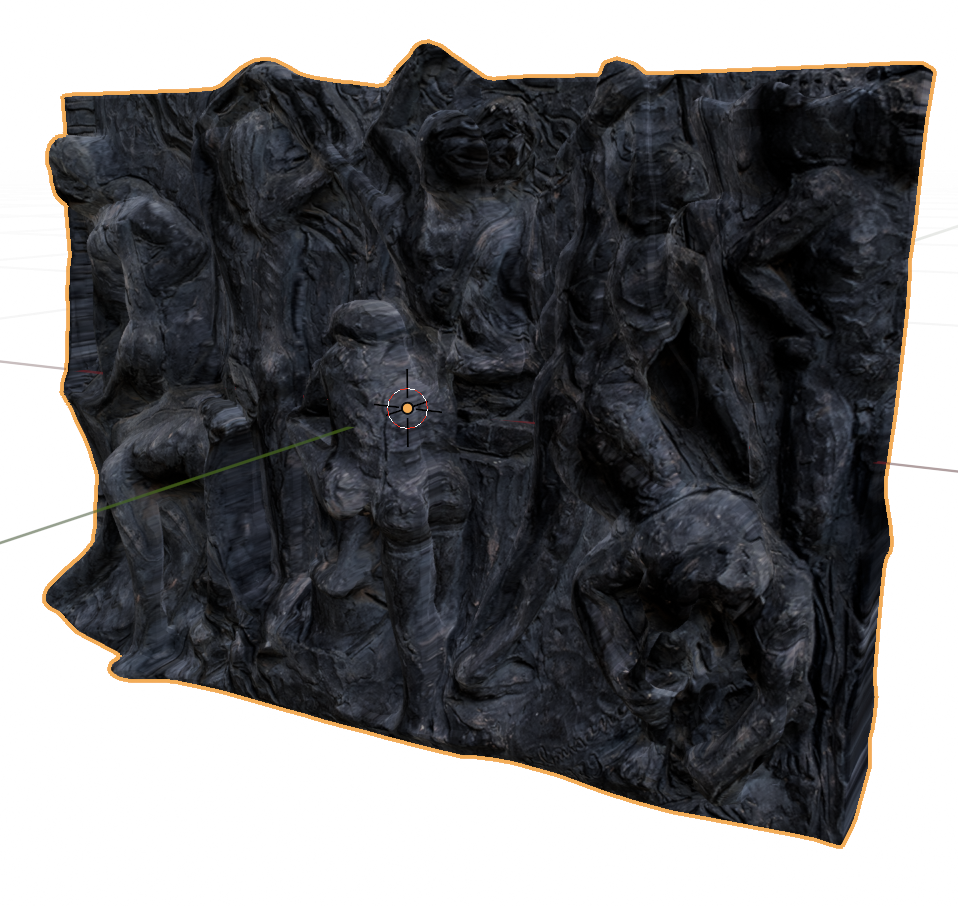
It does fail on the more topologically challenged ones, but that is to be expected. As an example this 25MB model:
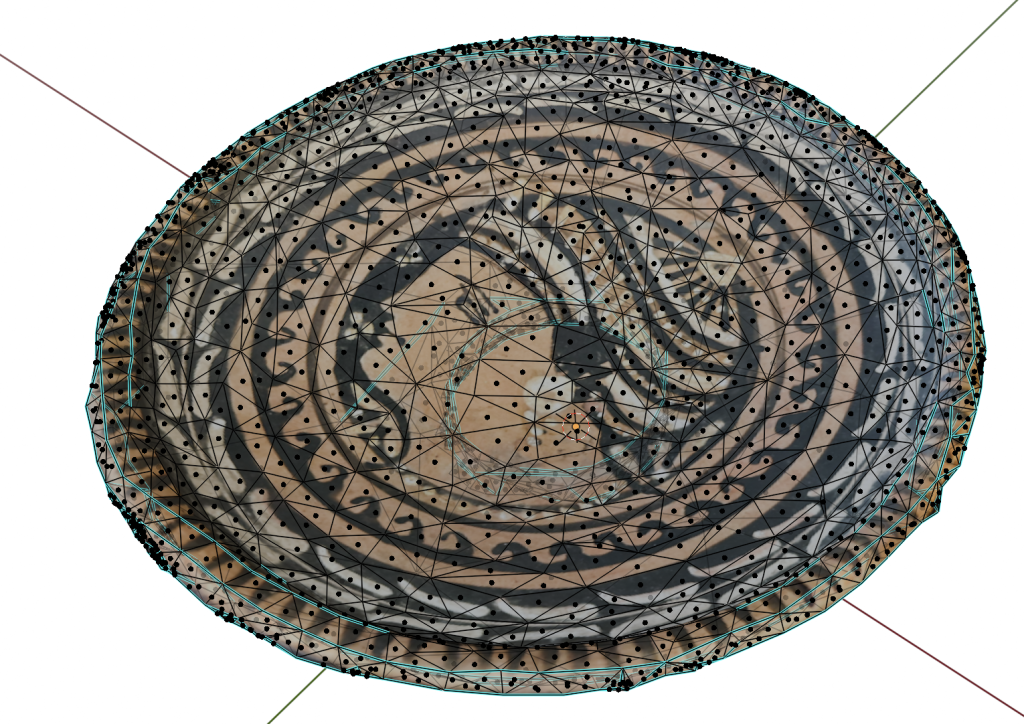
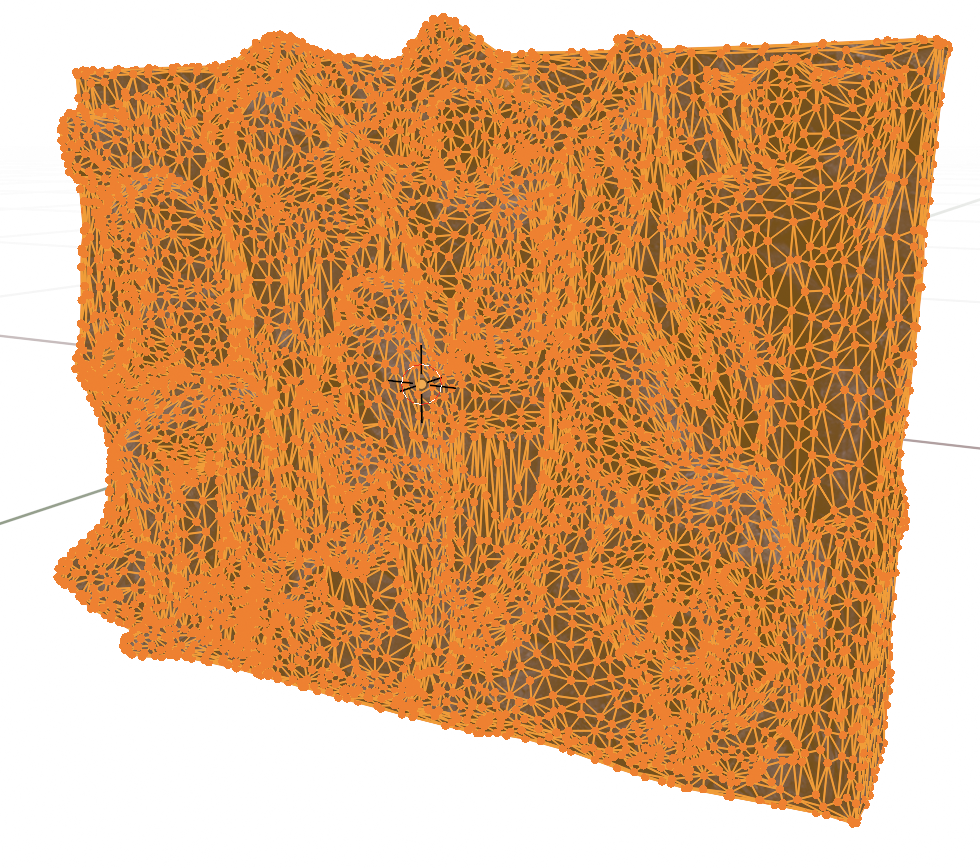
Was reduced to this, which is just 295kB.
I did remove the black background by hand, though.
The interesting thing is that it added Sharps to edges automatically, you can see them in cyan.
Of course the other interesting announcements in this field were Nvidia’s Meshtron and Microsoft’s Trellis (try it on hugginface), both of which do really interesting mesh generation.
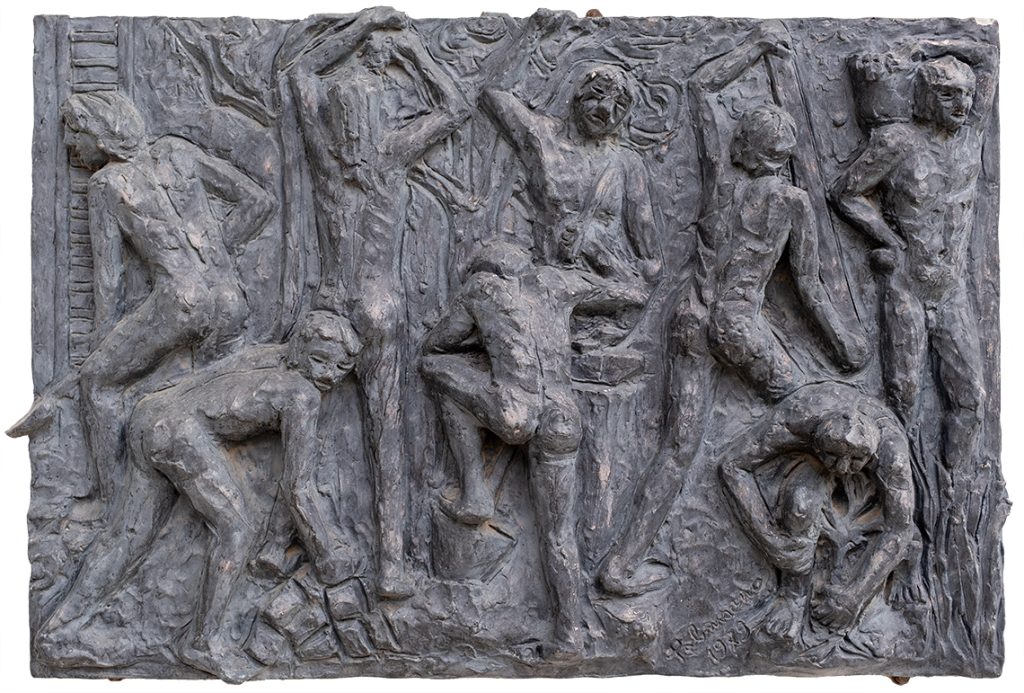
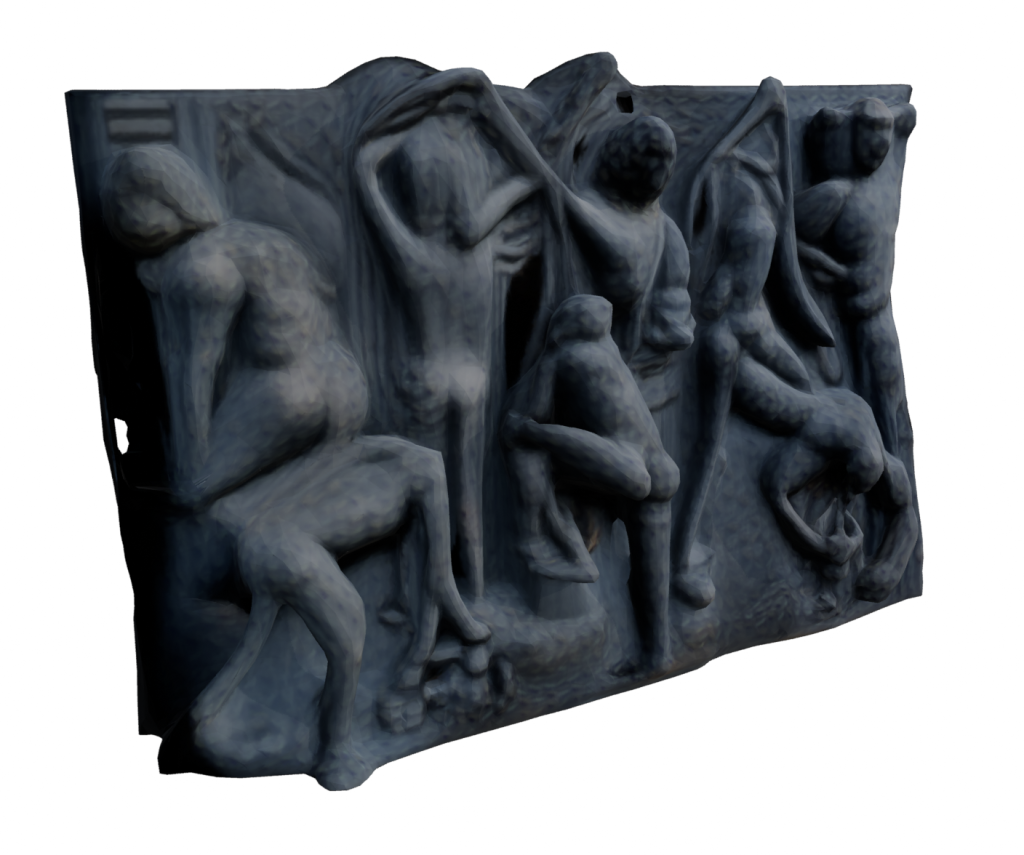
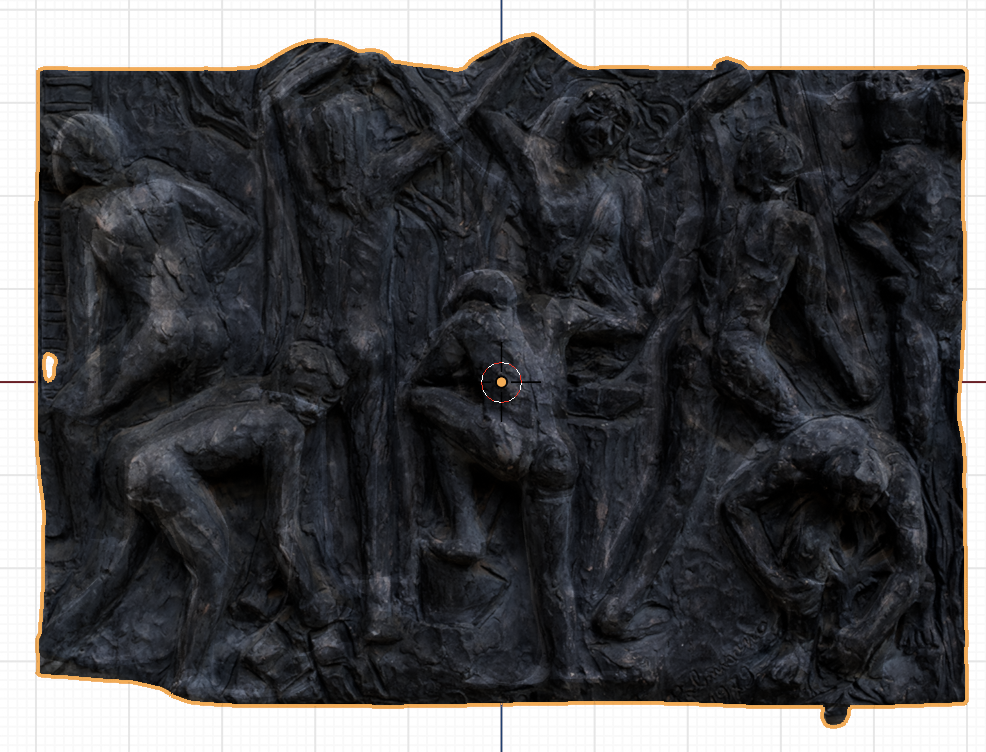
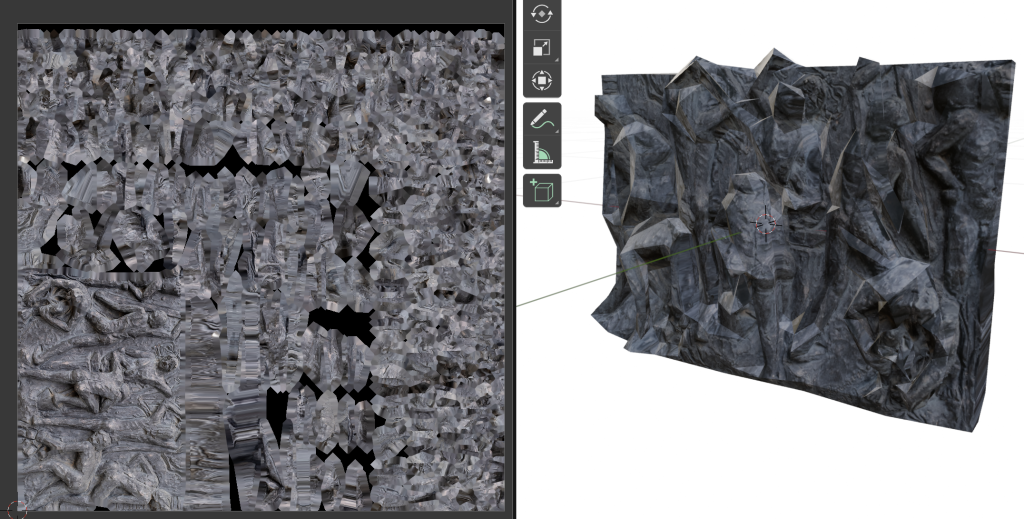
Of course for our requirements we cannot simply throw generative AI at the problem and hope for the best, we need to carefully represent the actual objects. But just as a try, we did try to throw an image of a bas-relief at Trellis. It created a plausible (but incorrect) result with a low-res texture. We tried throwing the original image on it as a texture, and it almost looked like it worked, until we tried moving the point of view.
It’s simultaneously very impressive, and not any good. We could try to salvage it by sculpting the most egregious parts, and we could do way better on the texture mapping.
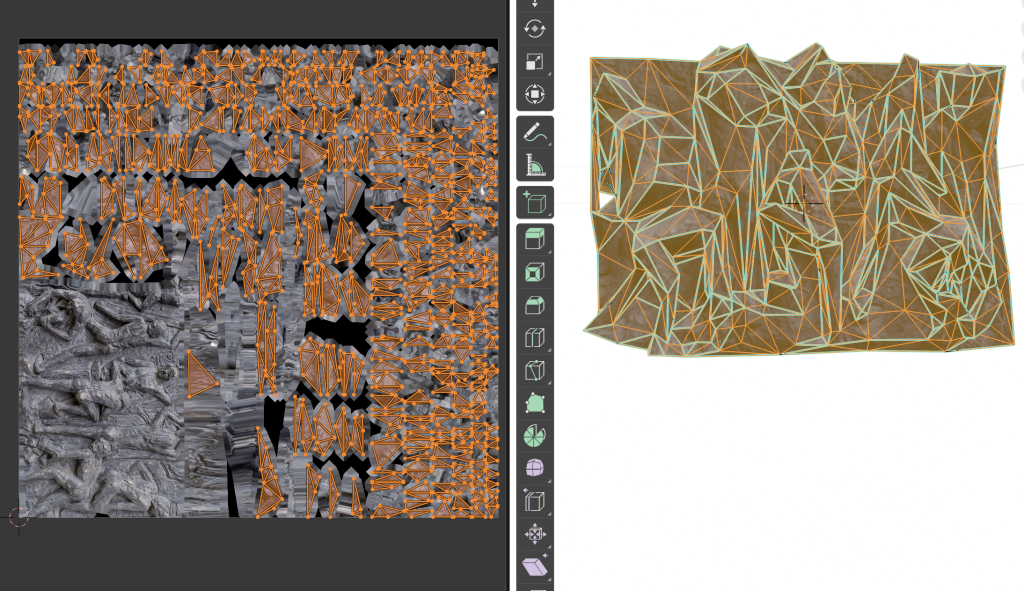
The geometry is really quite dense, we could try combining Trellis with Moderate Weight Reduction Tools.
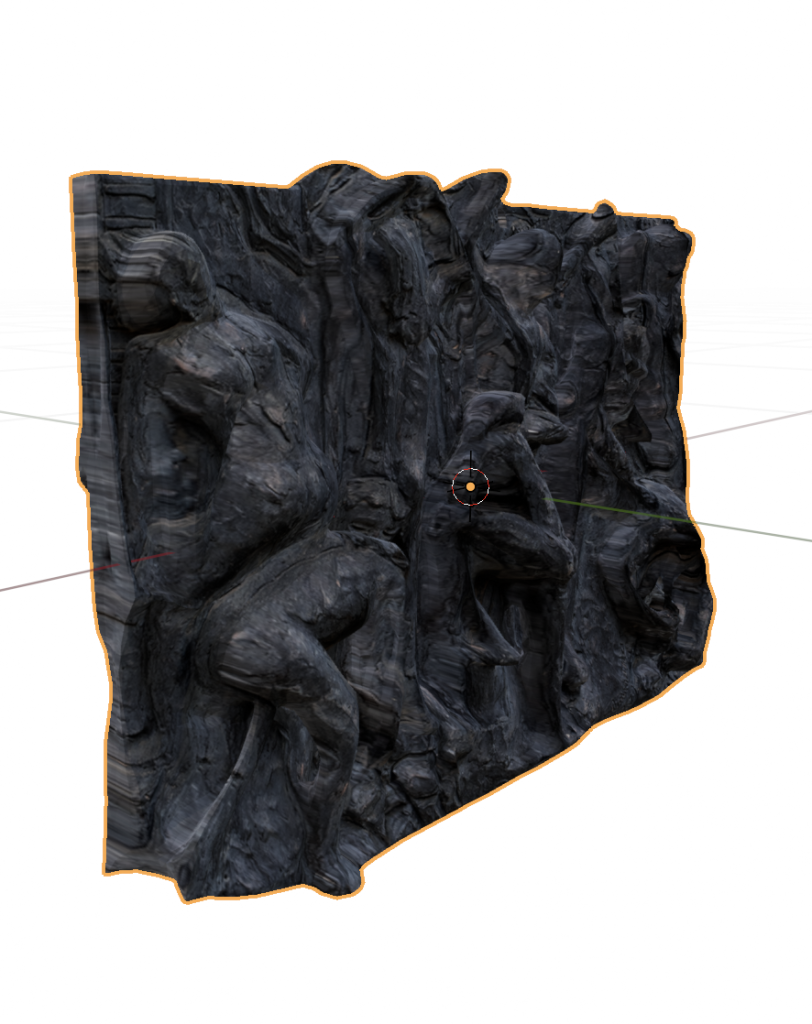
That really broke down. The geometry became visibly spiky, but the texture is just all wrong, it did not expect our “Project from View” trick.
The first half of this year was taken up by two large projects for BCC ICCREA. We’re doing the immersive components of the BCC Innovation Festival (a startup festival, we were among the winners of the first edition) and of BCC Arte & Cultura (an effort to catalogue the art and cultural heritage artifacts belonging to the banks of the group). For the latter, we went around Italy digitizing the most complex and 3D objects.
All the points we visited
Logistics
At this point it’s not really clear what we’re allowed to publish, as legal departments are surprisingly slow in responding to our queries, so we are going to err on the side of caution. You’ll have to wait until the official announcement before we post the actual works that we’ve digitised, but there shouldn’t be any harm in discussing how we set up the logistics.
Sadly, these locations were largely connected too poorly to attempt to do the whole trip using public transport. We really wanted to be ecological, but we didn’t find a way to do it in the given time and cost constraints without heavily relying on cars.
Once we could confirm the availability of the works on a given day we found cheap accommodations on Booking, loaded all the equipment and all the team members in a car, and we generally tried to avoid traveling during working hours. Northern Italy was covered through a series of short trips, while central and southern Italy were covered sequentially, going roughly clockwise. Some extra trips had to be broken out of the main loop, we managed to make that convenient by relying on some really good friends, who very graciously hosted us.
The whole thing cost us a bit under €2000, which is not too shabby for a 3-person team. This figure includes highways, fuel, accommodation and food, but it does not include the wear and tear on my car. Or the fact that I forgot some lenses at a friend’s place.
What we digitized
Again, we’re not supposed to share images of the works, as many of them are copyright encumbered, so stay tuned for the official launch of the project. I don’t think there’s any arm in sharing a list of what we did, though:
Alla fine del Giorno, Alberto Sughi, oil on canvas
Natività, Ilario Fioravanti, painted ceramics
Presepe, Capuano Brothers, multiple materials
Ducal Palace and several artifacts, in Mafalda
Ut Unum Sint, Arnaldo Pomodoro, outdoor metal stele
Bank building, Ugo Pagliara, building and architectural drawing
Carrù Castle, building
Chandelier made of Murano glass, 3 paintings, near Venice
Acquaviva Picena, whole building (we ended up scanning the whole town)
Incontri al Maneggio, Silvano Spessot, iron and colored glass sculpture
Untitled, Nane Zavagno, steel sculpture
Pinocchio, Venturino Venturini, bronze sculpture
Sant’Antonio Abate, Luca della Robbia, painted ceramics
Bank builiding, part of the Gradara castle-town
Bank building in Alba (no drones for this one, we had to climb literal towers!)
Assalto all’Olimpo, Bruno Liberatore, bronze sculpture (a much larger version is in Rome)
Untitled, Cesare Berlingeri, bent and stacked colored paper
An archeological site in Rome, featuring Imperial-age fresco-ed walls and a very well preserved Roman road
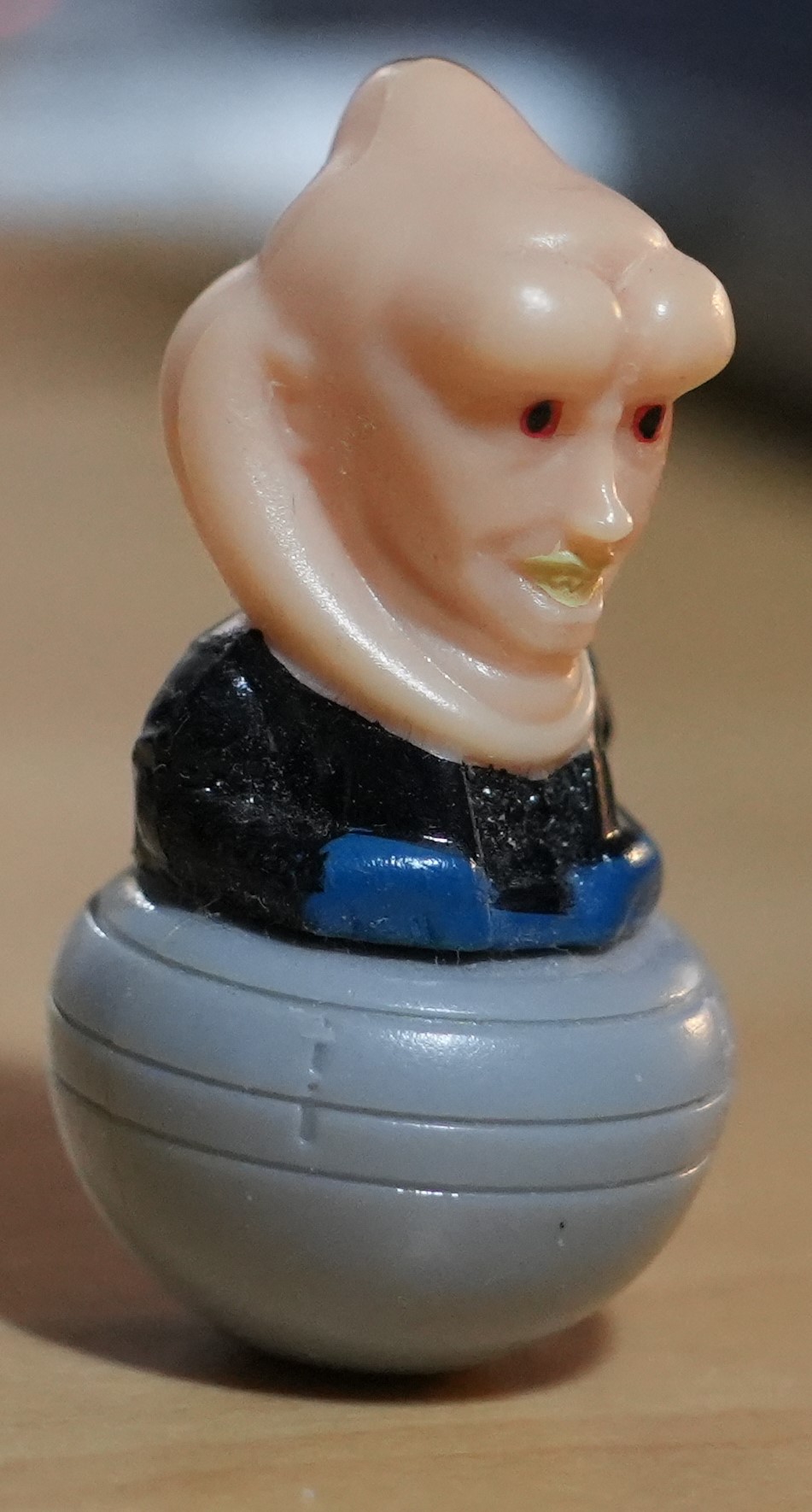
We’re experimenting with macro tubes for photogrammetry, and we tried a comparison between two different cameras and two different reconstruction techniques. The subject was this rather hideous figurine of Bib Fortuna, Jabba the Hutt’s adviser, that a local supermarket gave out a few years ago.
The difficulties stem from its diminutive size and from its texture. It is quite smooth, with lots of reflections and some subsurface effects. Also the lighting in the room was very direct, we had to move carefully to avoid throwing our shadows on the object, which negatively affected the spatial sampling.
Our objective was clearly observing how these technologies fail, so it suited us.
We’re working on a small archeo-acoustics project, whose starting point is a LiDAR-obtained point cloud in LAS format. This is the first time we’ve worked with this kind of data, so I’m writing down the data processing steps.
You only need to pay a bit of attention about the Python path while installing it, especially if you have multiple versions installed, but the provided instructions are perfect. We were able to see points in Blender, and to get a general idea for the shape of the cave, but getting from there to an actual mesh is non-trivial.
As a super short summary: open your point cloud in CloudCompare, select it, convert it to a mesh by going to Plugins>PoissonRecon. You can also choose between the color actually captured for each point, or this density heatmap: red is maximum information density, blue is the minimum.
In the next steps we’ll need to convert the mesh to quads (using Blender), import the model into Ramsete, then assign materials to each face and run the simulation. In order to properly calibrate the model we’ll need to know the specifics of each material, or ideally even perform actual acoustics measurements, like we did for the Tindari paper.
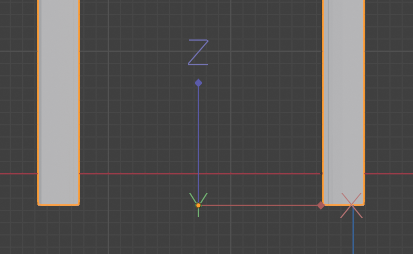
This one is pretty basic: in order to change the origin of an object you can right click and choose one of the options:
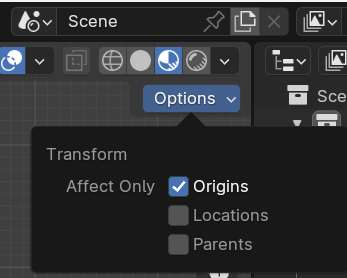
Or you can set it manually, just go into Edit Mode, then at the top right of the viewfinder go to Options, Transform, Affect Only Origins.
This allows you to move the origin to wherever you want, without affecting the object. Dont’ forget to apply transforms (ctrl+A) when you’re playing around with this stuff.
The Apple Vision Pro launch seems to have brought a lot of of interest, which is to be expected when Apple does, well, anything.
They even came up with their own marketing-infused grammar, they want people to say Apple Vision Pro, never the Apple Vision Pro.
Some of the discourse has veered into worries about people wearing visors while driving, luckily those are just a handful of attention seekers.
Technical Analysis
First of all, how is it built? iFixit to the rescue:
It would seem that finally the screen resolution and clarity are sufficient for the “lots of virtual screens” use case. Last year Karl Guttag evaluated the angular resolution of the Apple Vision Pro as between 35 and 40 PPD (pixels per degree). In the above iFixit video it’s measured at 34 PPD, so that was spot on.
On the development side, Unity support is now out of beta, but it is only available for Pro users ($1800/year). So for most developers the choice is between the native Apple SDKs and WebXR. The latter enables us to develop once, and run on every device, so it is clearly superior.
There has also been some debate on Spatial Video, namely whether it is simply a stereoscopic image, or if there is some parallax magic. As always with immersive video, Hugh Hou has the last word:
The fundamental distinction is between “windowed” apps, that are limited on a virtual screen, and actual VR apps. The beauty of Reality Kit is the ability of having spatially-aware elements in apps that still work with passthrough.
Puzzling Places is one of the best Quest apps, from one of the best photogrammetry teams in the world, so it’s not a surprise to see them be successful on the Apple Vision Pro
In yesterday’s post I neglected to link to a couple of really interesting and accessible essays on spatial interactions, both by Maggie Appleton.
In Historical Trails there are wonderful examples on how chronological information can be shifted to a spatial representation, allowing for better and faster retrieval, and more generally for matching the semantics of how users navigate information to the syntax of history retrieval.
In Ambient Copresence she thoughtfully defines a paradigm for sharing space online, reflecting on what works synchronously and what scales to different audience sizes.
We are working on a project that will see a virtual exhibition space and a live event come together in a cohesive experience, so these considerations are very precious for us.
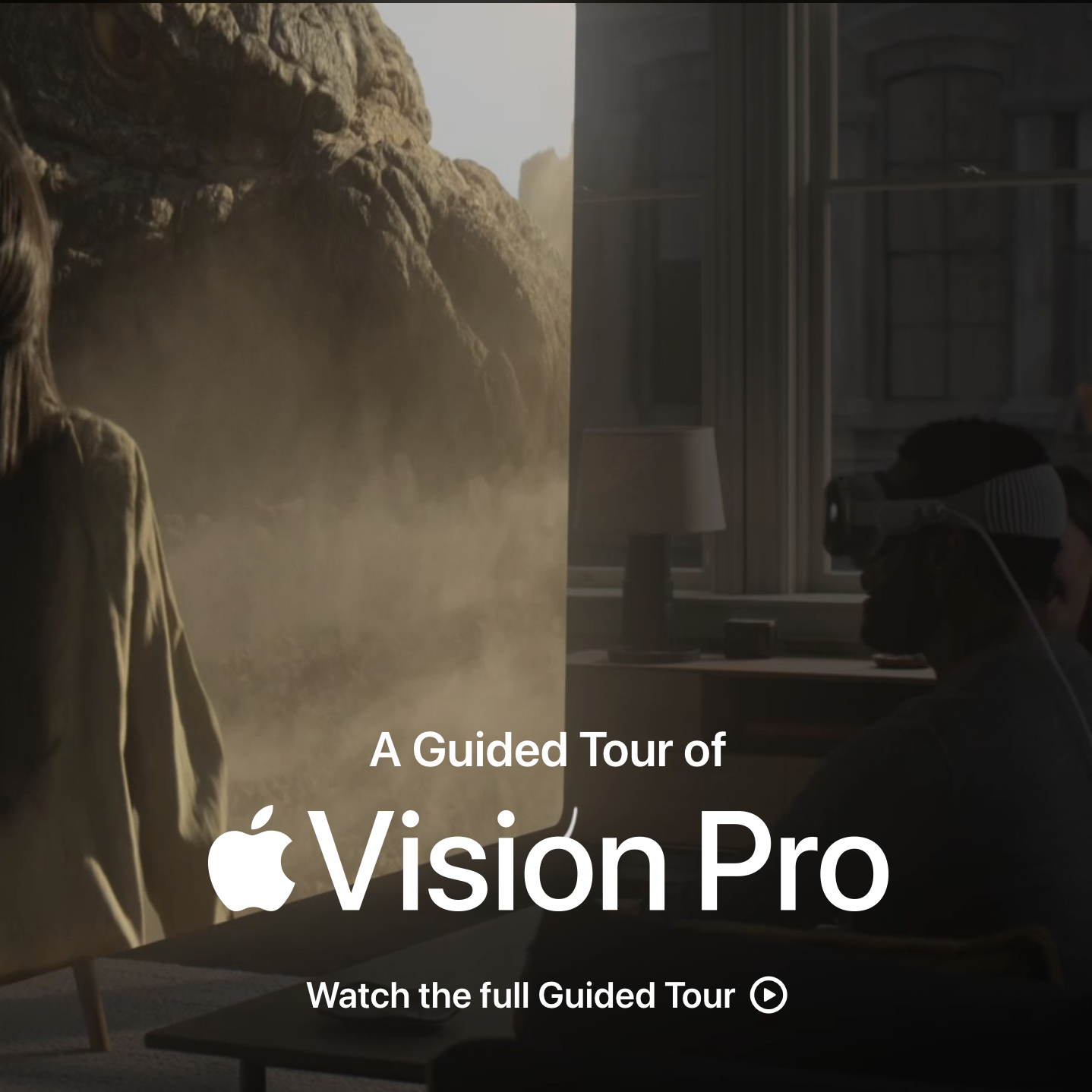
The Apple Vision Pro orders just opened (US only), and they also uploaded a new guided tour, which gives us a chance to reflect on what kind of experiences Apple is putting front and center.
In the VR community there has been much ado about Apple’s choice to entirely refuse the industry jargon: there is no VR, MR, XR, AR, it’s all spatial computing. They’ve been accused of making up new words to obfuscate what they’re offering. We think it’s more subtle than that.
First of all, naming things matter. Some of the experiences we build can be considered part of the “metaverse”, but that’s not a term we use, because it doesn’t have a good technical definition, and because it reminds people of sleazy operations. Some think of the Meta advertisements, some think of literal scams. Those scams that are so pervasive that I don’t dare to mention them, lest I attract their spam.
Apple systematically chooses feature names that represent the value added for the user’s experience, while simultaneously obfuscating the technical details. They don’t want us to know the DPIs of a screen, they just tell us it’s Retina. It doesn’t matter very much to Apple that competitors make screens with better resolution, if it’s Retina it’s good enough, you’re not going to see the individual pixels. It’s annoying for us nerds, but it seems to work just fine.
In some ways it’s similar with Spatial Computing, it’s technically indisputable that the Apple Vision Pro is a VR headset with a Mixed Reality passthrough function, just like the Meta Quest 3. But what Apple is doing is not only obfuscation, and they certainly didn’t come up with the term. What they’re trying to communicate is that the advantage of computing on a headset rather than on a laptop is going to be spatial in nature. Spatial computing is not a new term at all, the essays written by Timoni West at Unity were an inspiration for my dissertation, and then for the founding of this company. The fundamental idea is to use the dimensionality of the interface for communication between the user and the computer. Information doesn’t have to be limited to a 2D screen, and most importantly user input doesn’t have to be limited to discrete actions. It’s still hard work, but we can enable natural interactions that allow us to think gesturally. Let me gesture that I want a piece of machinery to be ✋ this 🤚 big, and have the computer figure out how big that is in numbers. This is the kind of use case that Sony is targeting with their new VR headset.
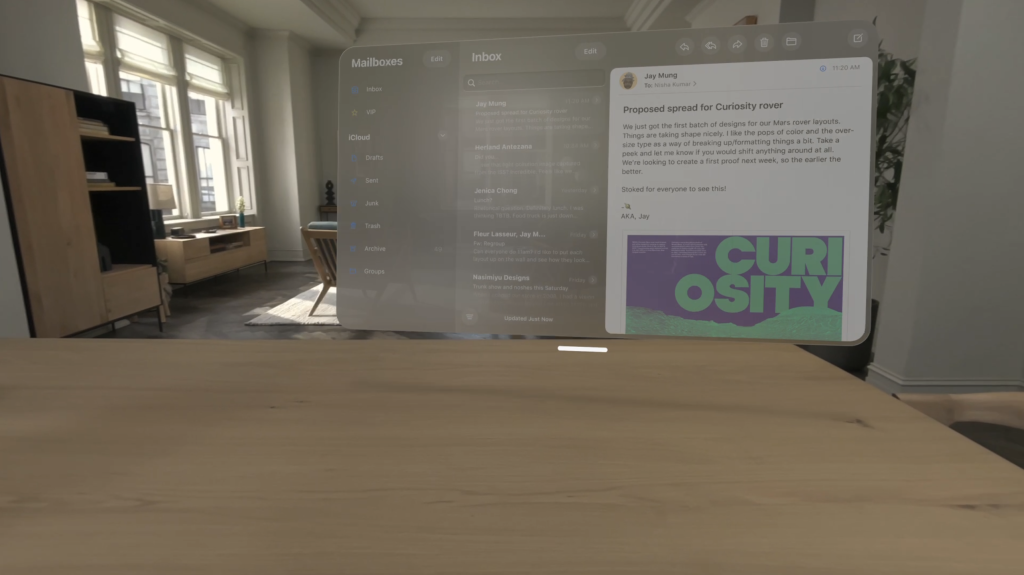
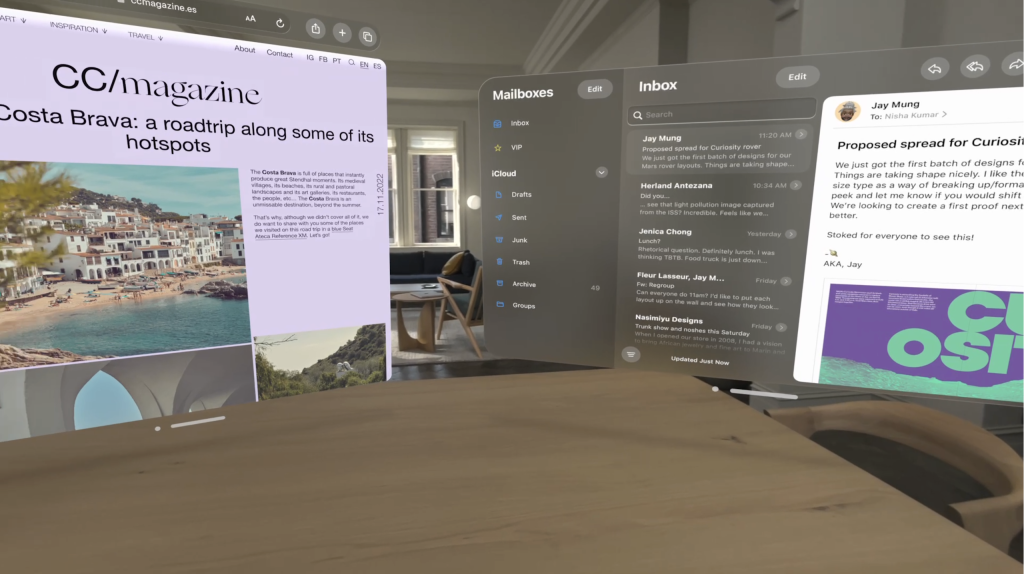
Looking at the Apple developer documentation, a lot of work has gone into making the creation of this kind of experience possible, but they’re not focusing their presentation on that at all. All that the user is seen doing is positioning virtual windows around them.
This is extremely similar to what was possible with Windows Mixed Reality or with the Quest. On the Hololens the visual fidelity was just not enough, and the field of view was tiny. On the Quest 2 the visual fidelity was still too low, it is much improved on the Quest 3, but it is still somewhat worse than just staring at a screen. Looking at the specs the Apple Vision Pro might finally be able to pull of this use case.
However, it’s not at all the kind of spatial computing that I described above.
Instead, it harkens back to the old days of the classic Mac Finder, and in some ways to the design of Jef Raskin. The idea is that rather than following the hierarchical organization of the file system, the interaction between the user and the computer will determine a spatial organization of the information that is being worked on, that will mirror a spatial conceptualization in the user’s mind.
A lot of the modern window management solution that Apple has added to both the Mac and the iPad, like Stage Manager and Mission Control, have enabled users to experiment with this kind of paradigm. There is also a $9.99 Mac spatial desktop environment called Raskin as an homage. Raskin’s son Aza also developed Tab Candy, which brought spatial tab management to Firefox.
I think the verdict is still out on how useful this kind of spatialization is, but I think it’s clear that it is part of what Apple is going for. With any immersive technology we must always remember that the real immersion is in the user’s mind, we can feel present in a novel as much as in VR. As a company we are sticking to the other kind of spatialization, where the spatial information is intrinsic to the problem domain, whether it’s reproducing historical artifacts, simulating the propagation of sound in an environment, or assembling a machine in the correct order. Apple Vision Pro makes both of them much easier to develop. You know, when we’ll actually get one here in Italy 😀