With the default Blender settings it is quite common to get into situation where you just can’t get close enough to your object.
There are two tricks to fixing it. The first is to use the Shift+C shortcut, to reset.
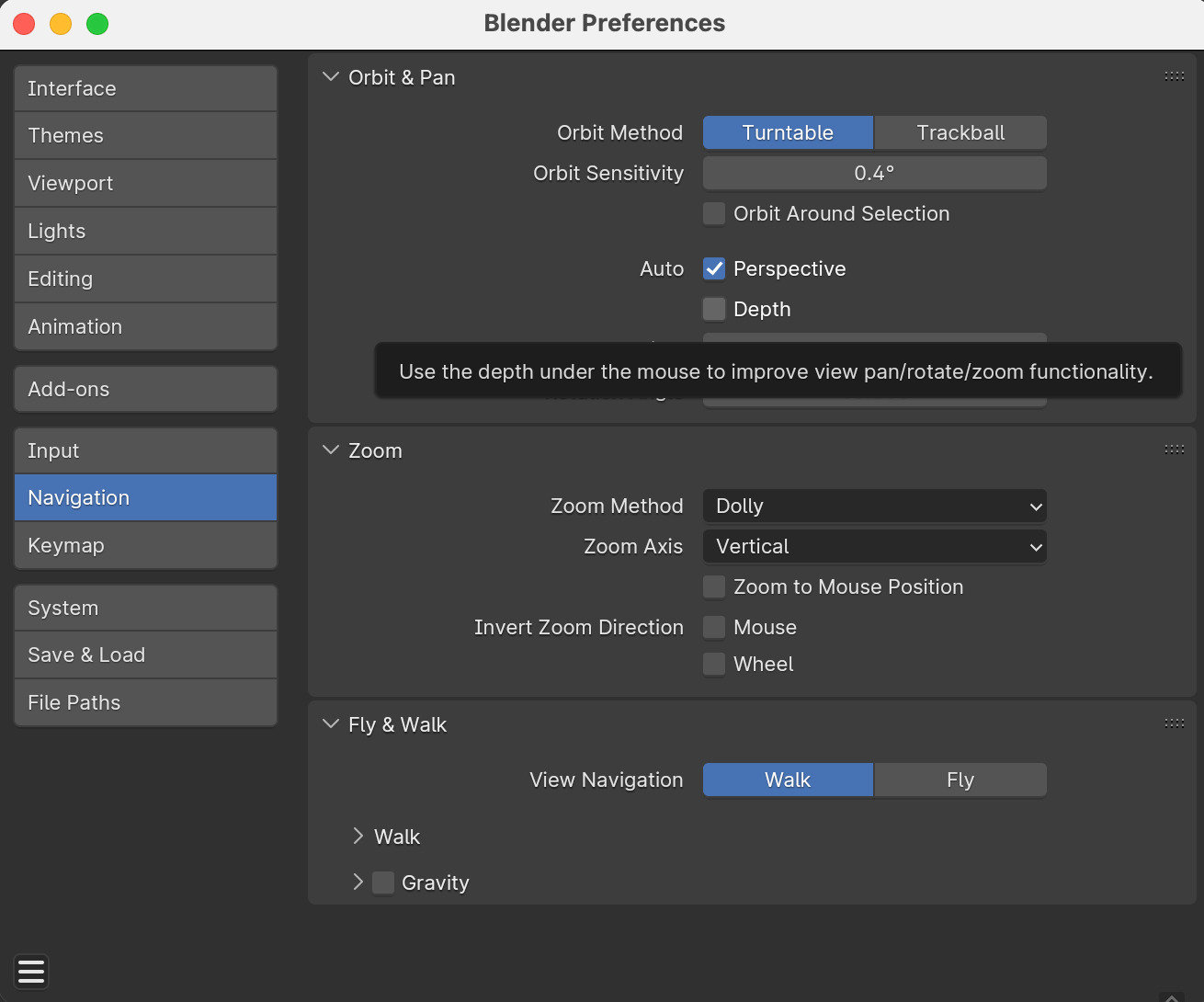
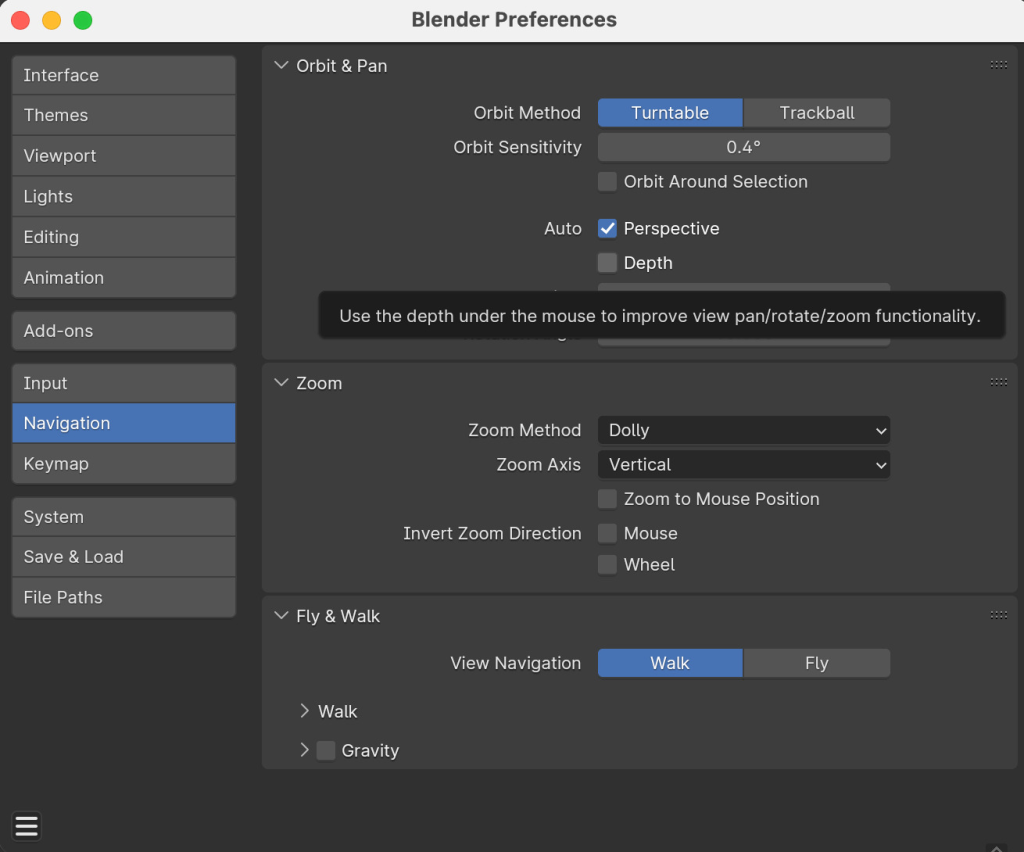
The second is to enable Auto Depth, under Edit > Preferences > Navigation, as shown in the picture
Leave a Reply
Only people in my network can comment.