
This morning at the MUDEC in Milan, they presented the new edition of BCC Arte & Cultura, for which we digitized tens of artworks, and created a 3D gallery: here is the official report
Tag: photogrammetry
-
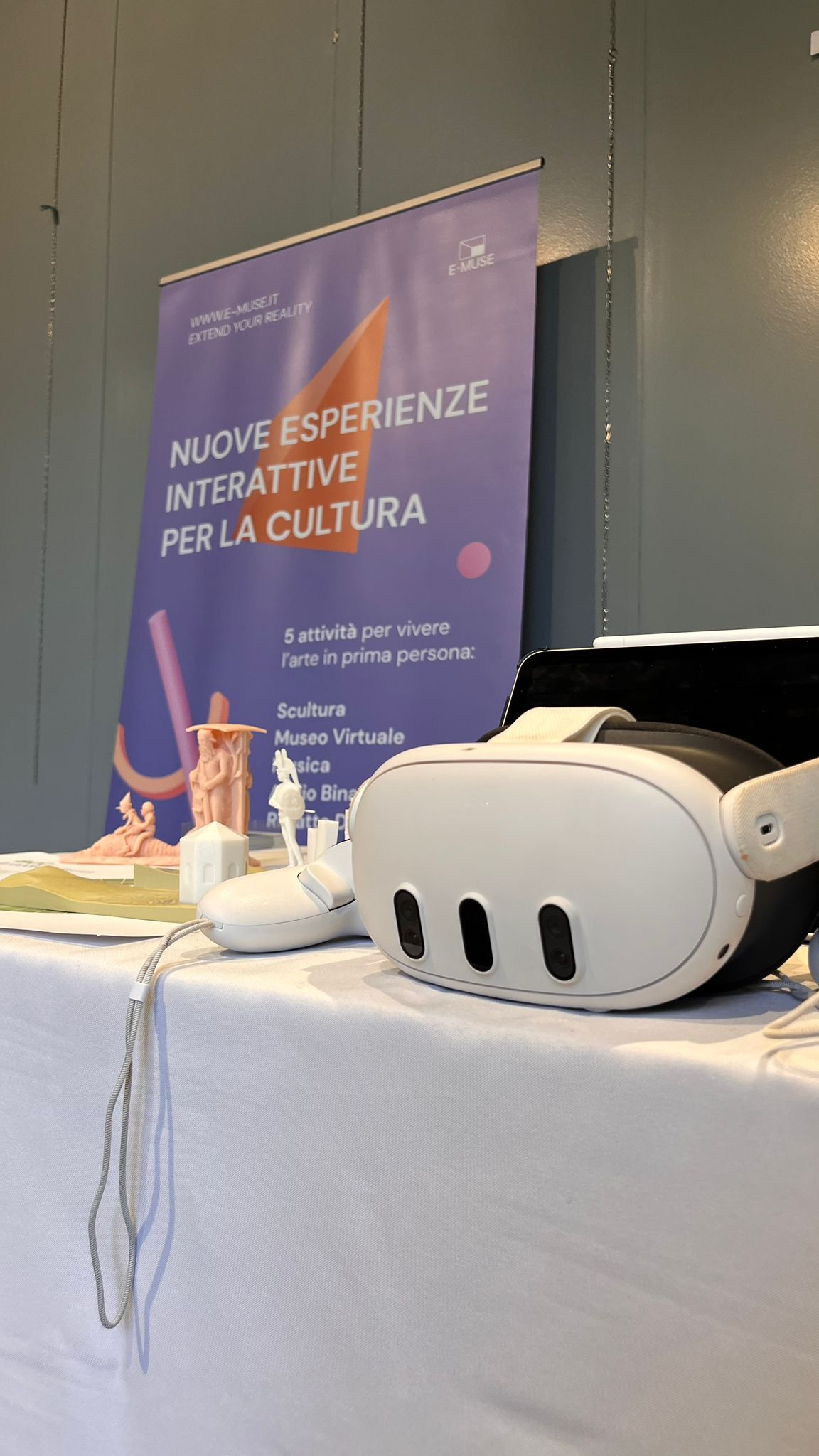
Smart Expo – Rho – 2025-09-27
We were invited to set up a stand in this fair about digital innovation, organised by https://www.feel.community/
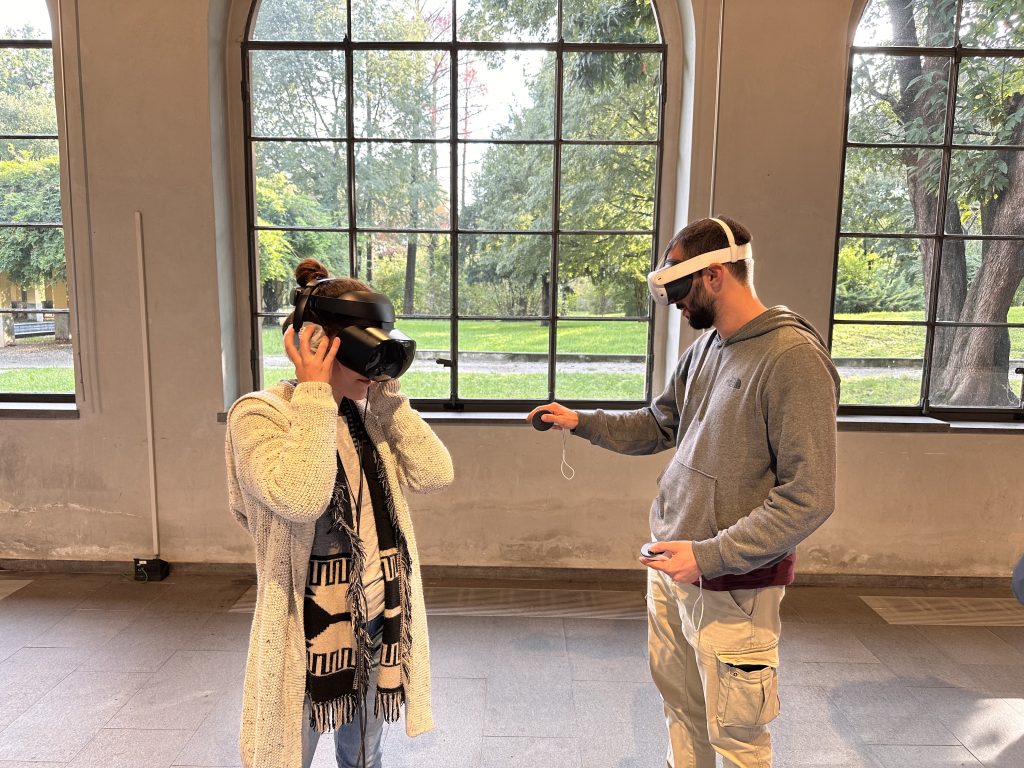
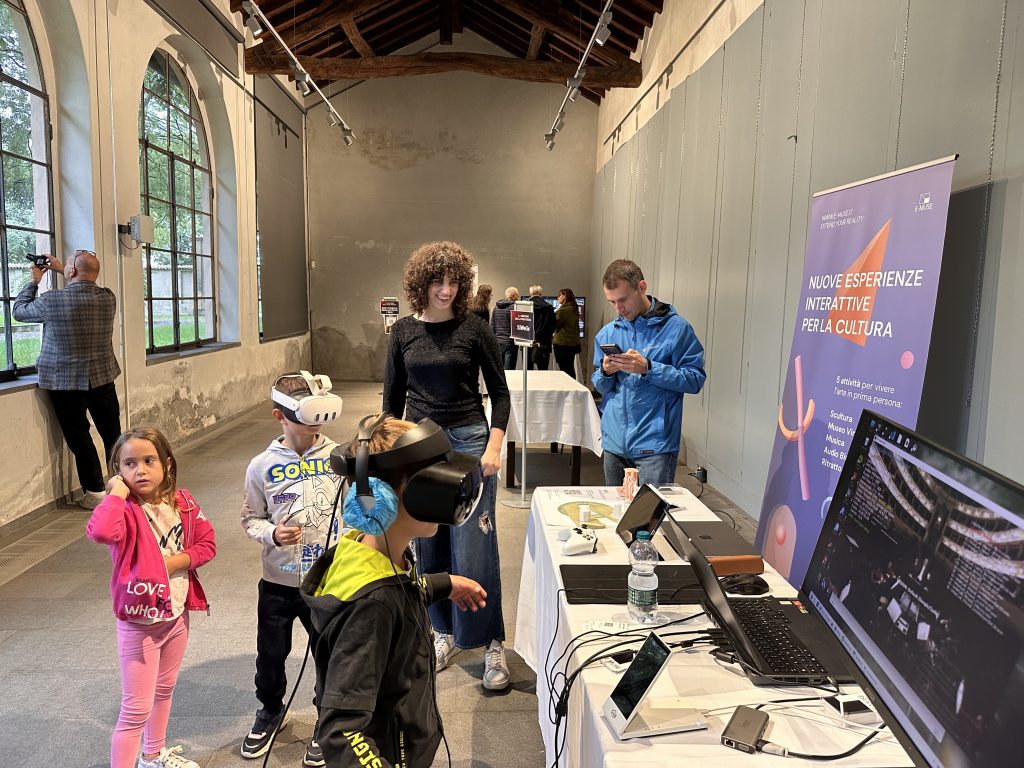
As is often the case, kids where the ones most interested in VR.
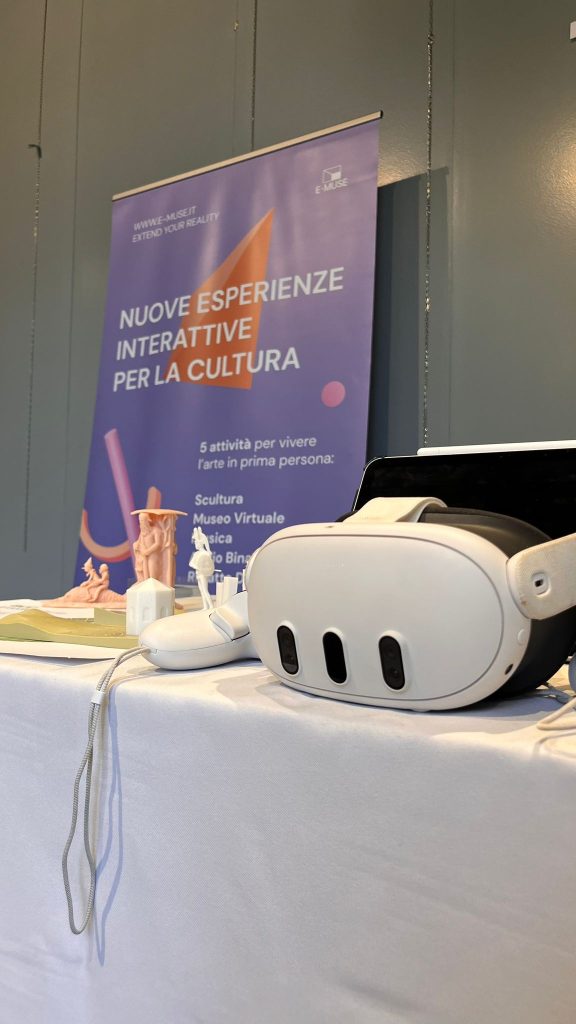
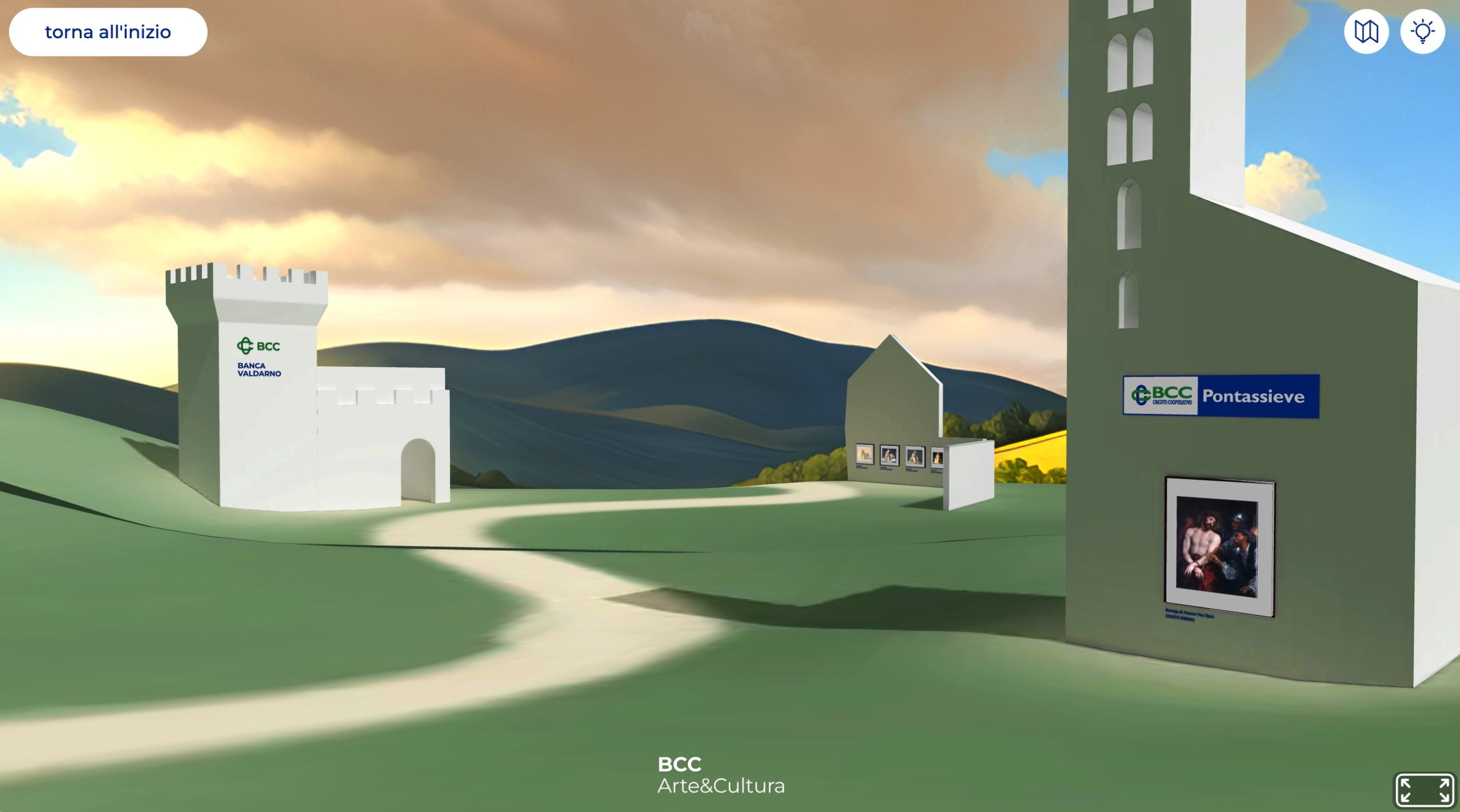
For the occasion, we came up with an interactive way of showing our BCC Arte & Cultura 3D Gallery, by 3D-printing the terrain and pavilions, and sticking QR codes on the parts.
-
In-person demo at Casa nel Parco
We’ve been part of Officine On Off since October 2024, and last week we participated in their annual festival. There were games, music, and plenty of community feeling.
We wanted to bring our A-game, so we even bought a roll-up, which sadly didn’t arrive in time due to a strike.
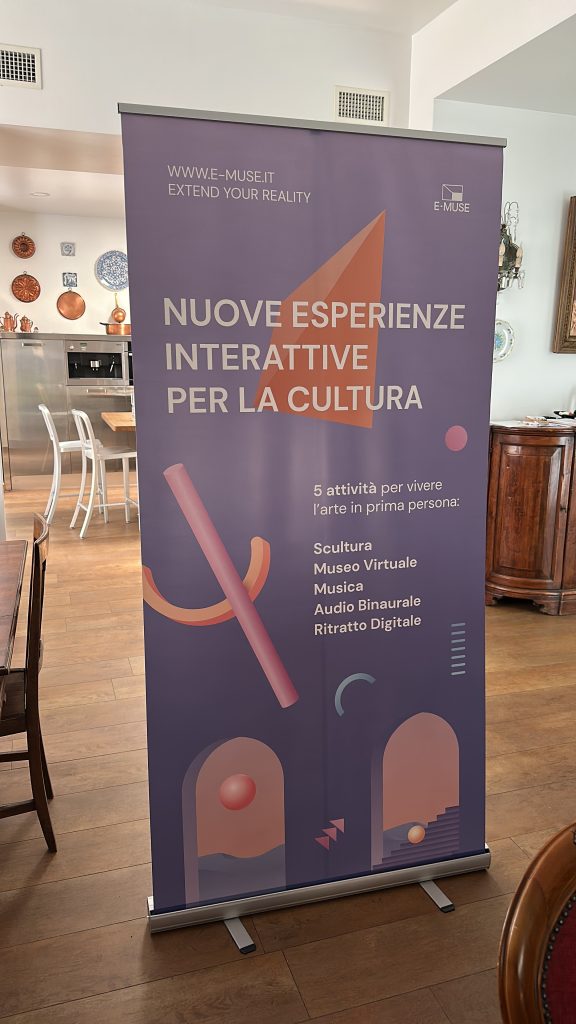
We had:
- 3D prints of statues that we had previously digitised, thanks to our dear friend Bonach
- A glassless volumetric screen showing models and photos
- A binaural audio guide for one of the 3D printed statues (written by Maura Rossi, with the voice of Chiara Gandini)
- An Unreal Engine audio-visual simulation of Piazzale San Francesco in Parma, using data I obtained for Progetto Agorà
- A local version of our Tempietto demo (web version with joystick controls or scrolling along a path), made in Unity, running on a Meta Quest 3, and featuring both the photogrammetry of Antelami’s Winter and the previously mentioned audioguide
- 360° videos with Ambisonics audio, also running on the Meta Quest 3, mainly from the Verdi 360° project
Despite the scorching weather, we had plenty of people ready to don the VR headset and to try out our demos. The only problem we faced was keeping the battery level up 😀
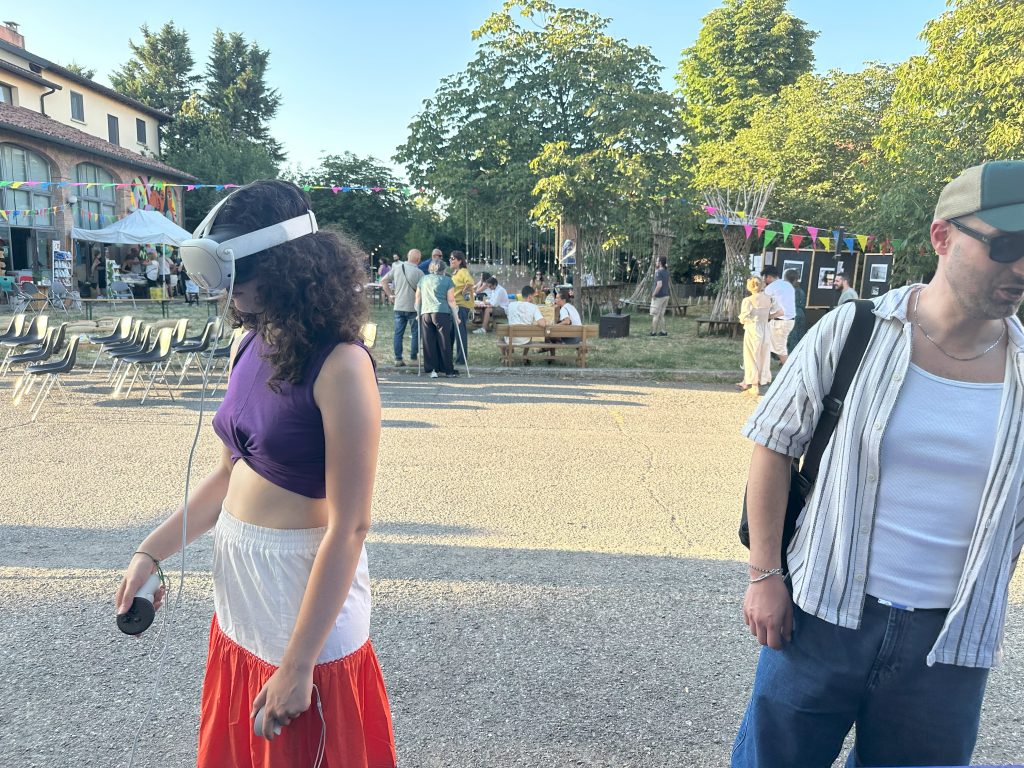
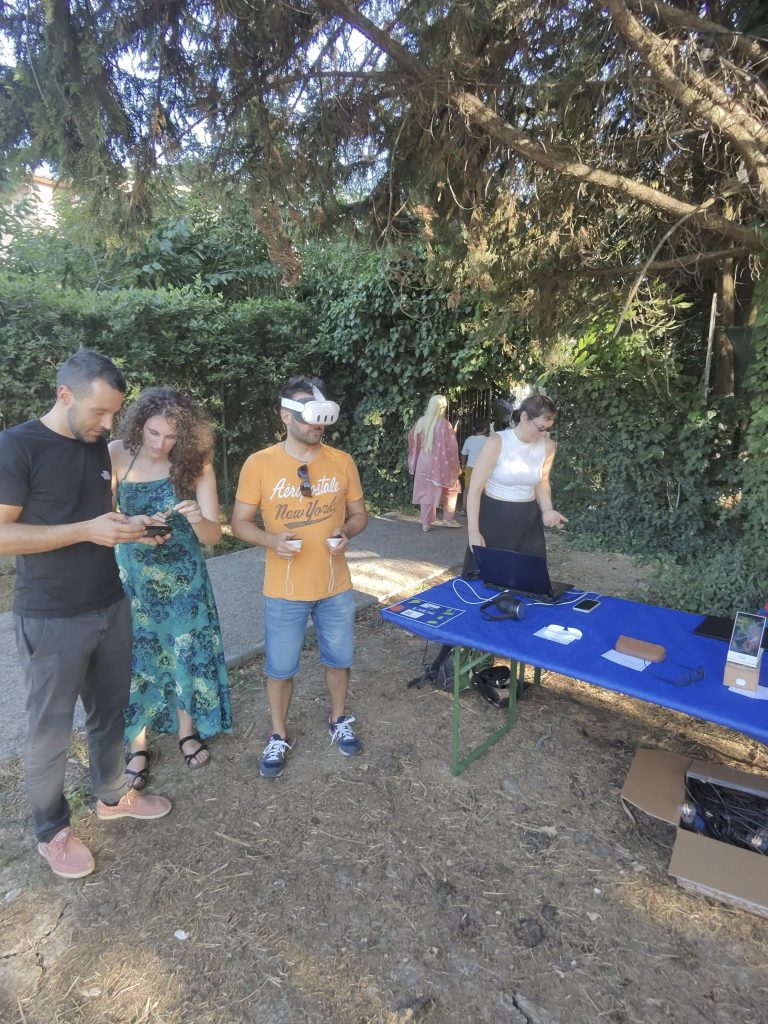
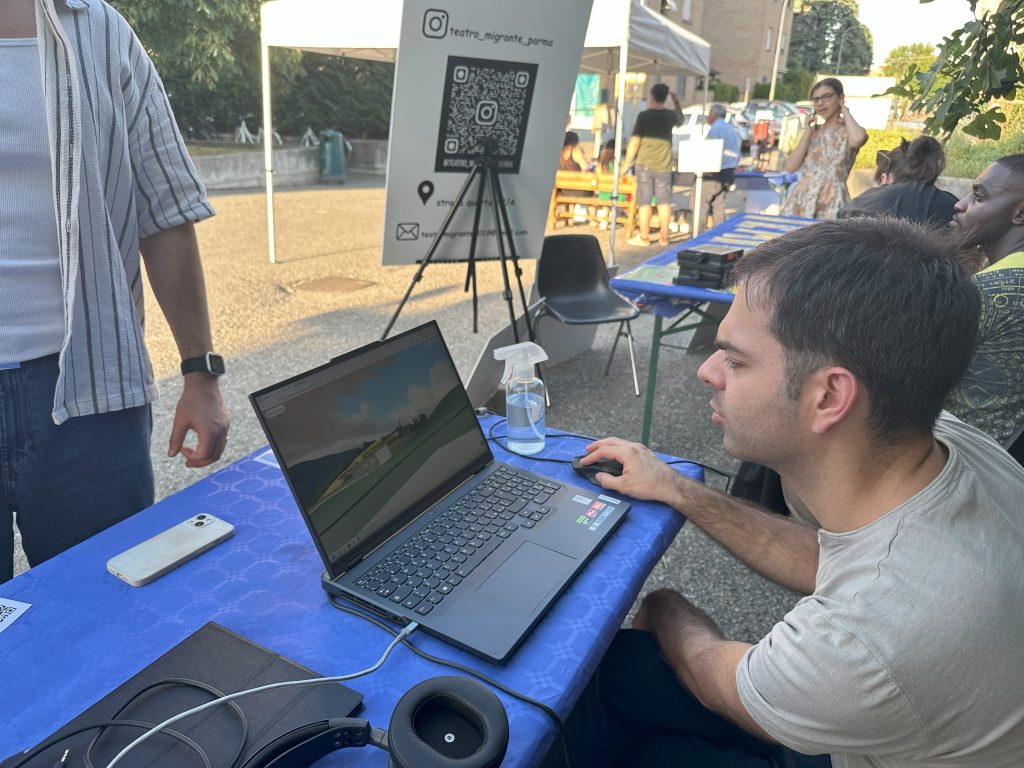
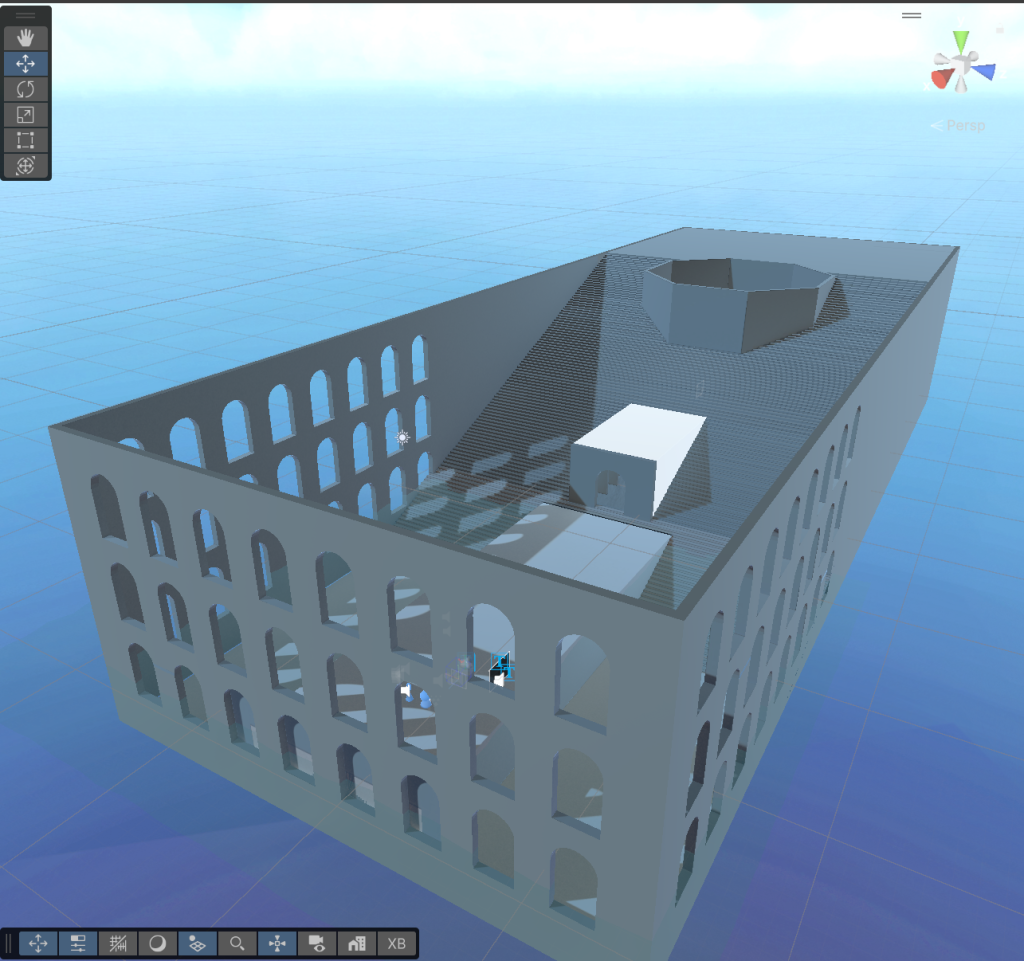
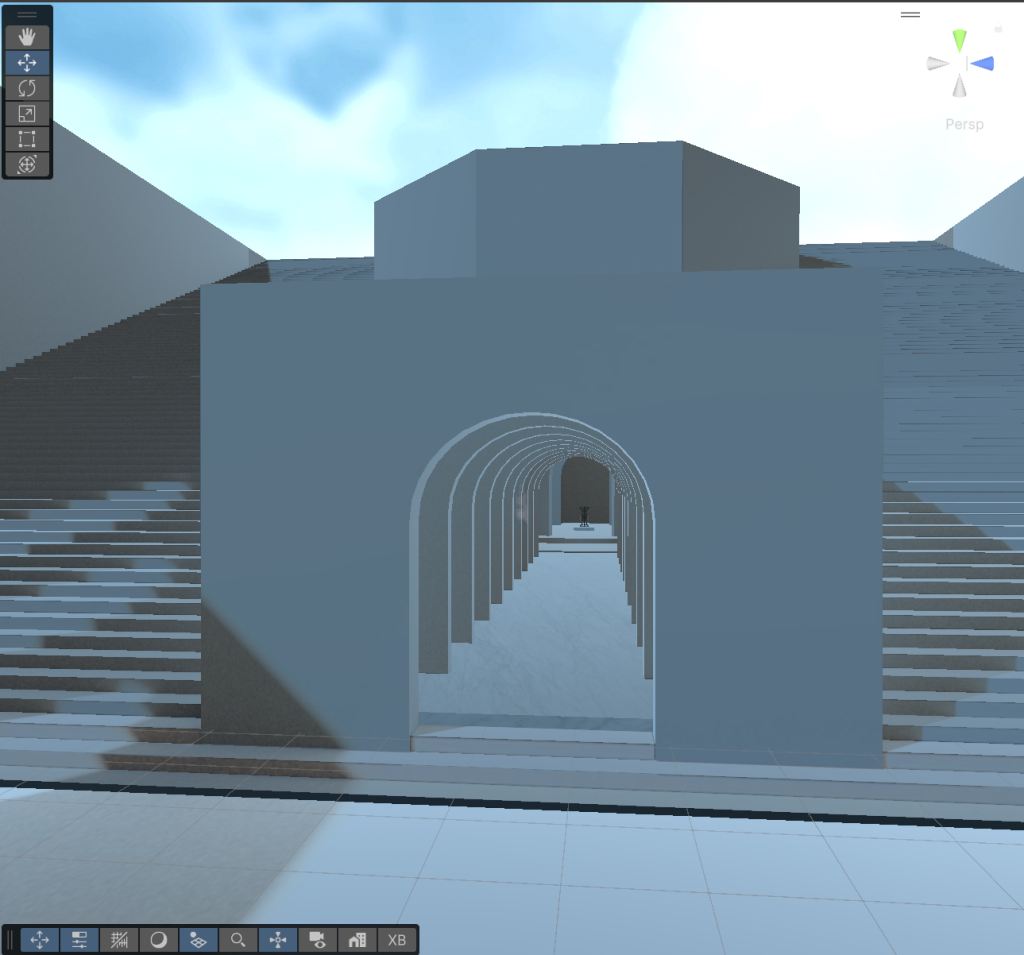
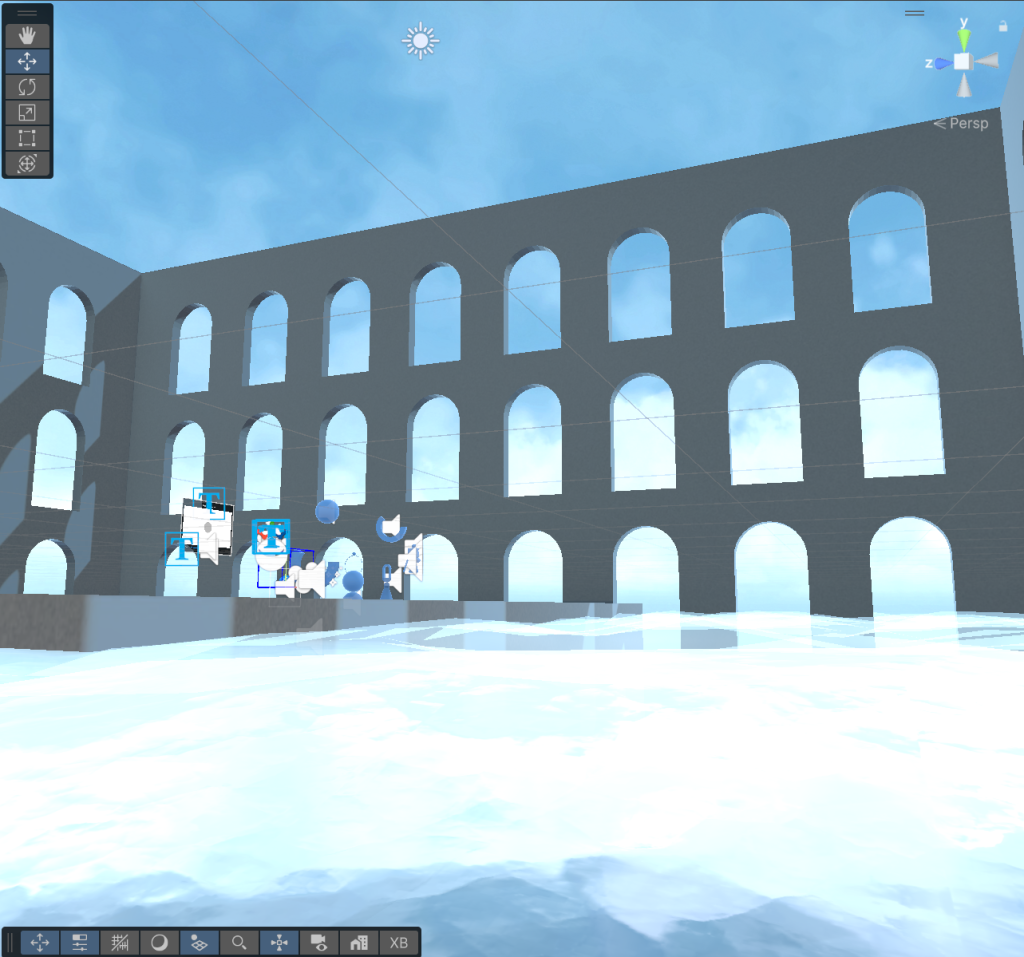
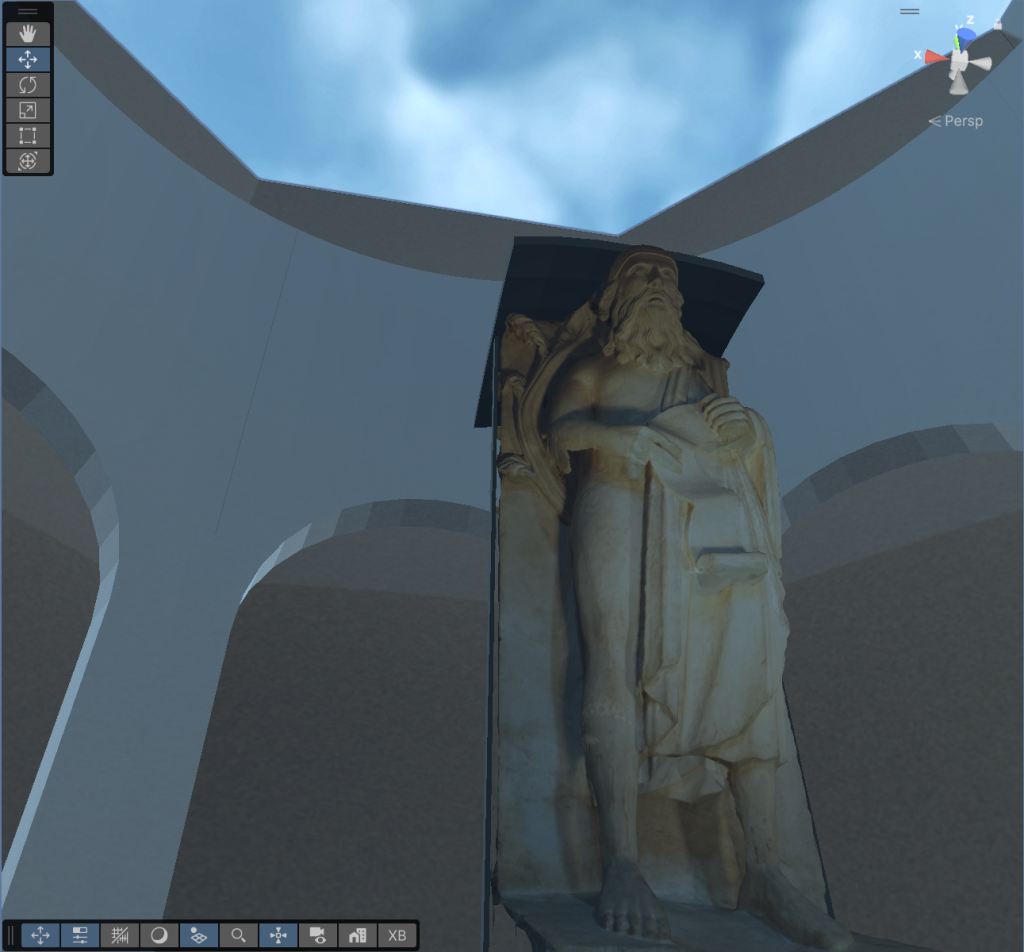
Kids particularly enjoyed climbing the stairs, then throwing themselves into the void, they were universally delighted by the sensation, which I personally consider stomach-turning 😀
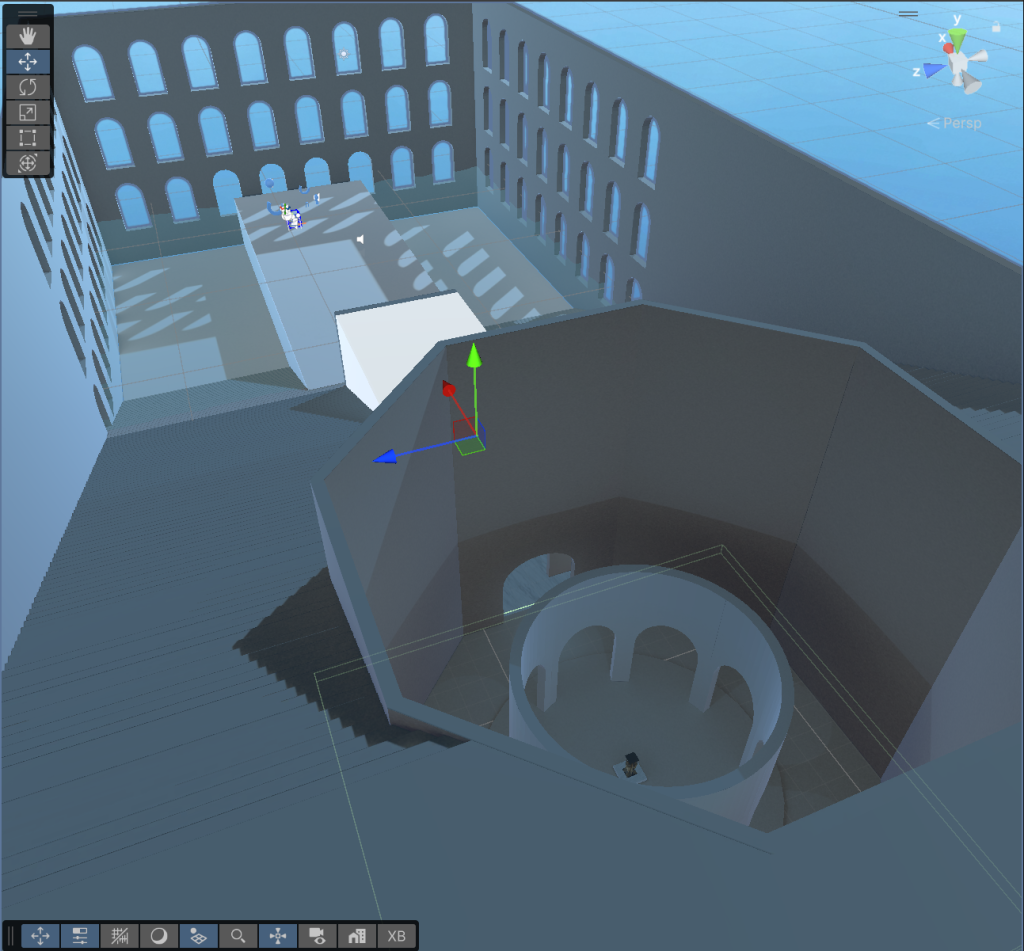
We’ll have to sign up for more in-person demos, they’re just so much fun!
-
New mesh reduction tools
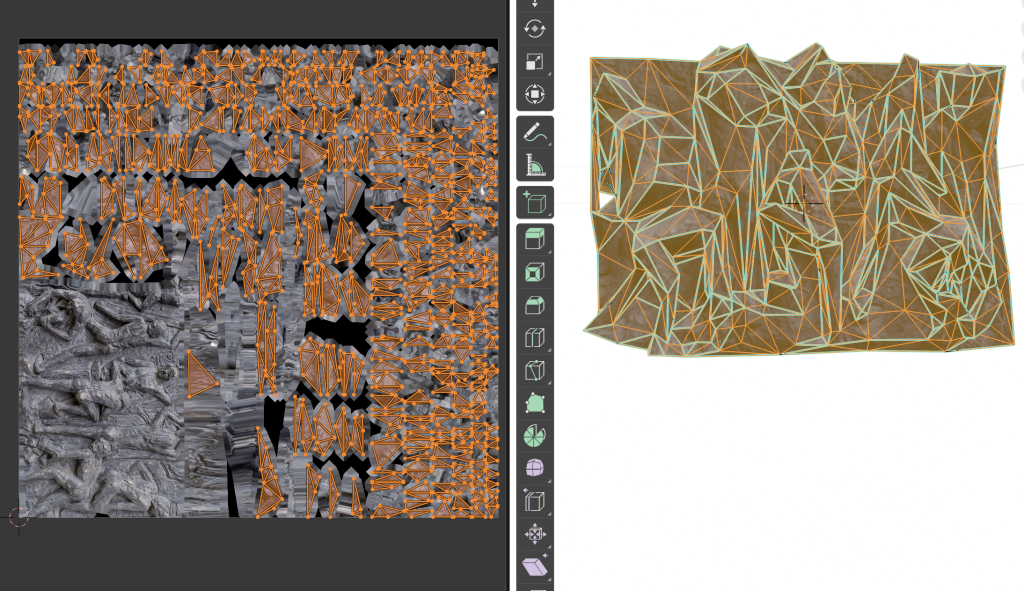
Holo Lab released this new Blender add-on that does a pretty job at reducing most photogrammetry models: https://github.com/HoloLabInc/ModerateWeightReductionTools
It does fail on the more topologically challenged ones, but that is to be expected. As an example this 25MB model:
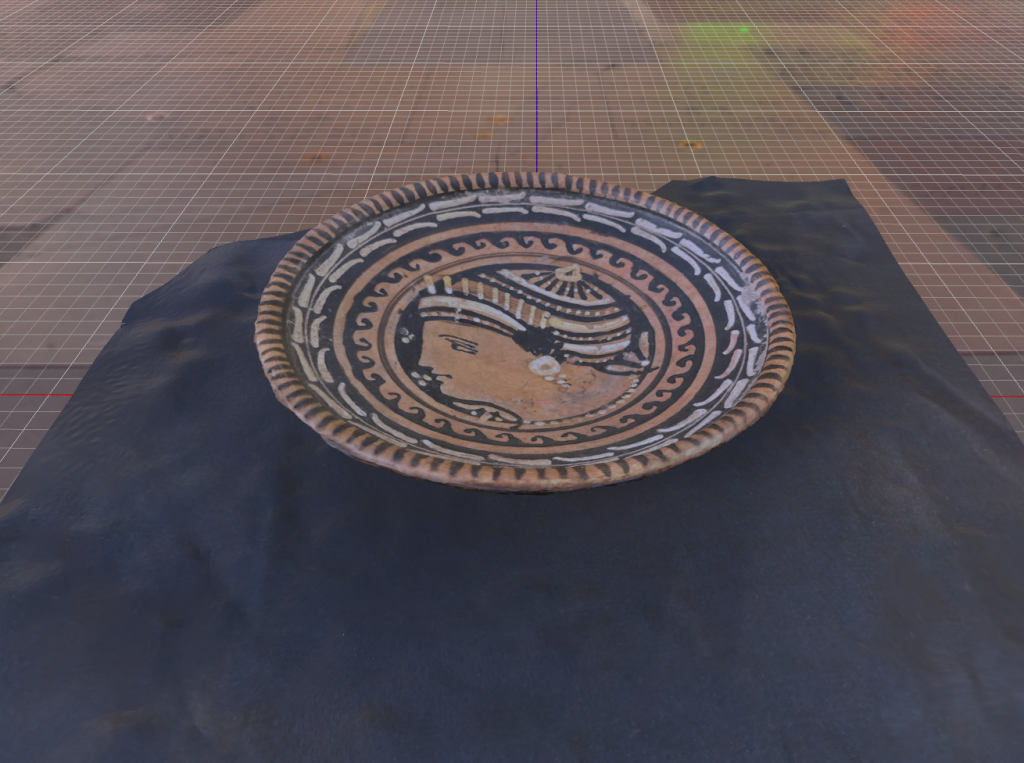
Was reduced to this, which is just 295kB.
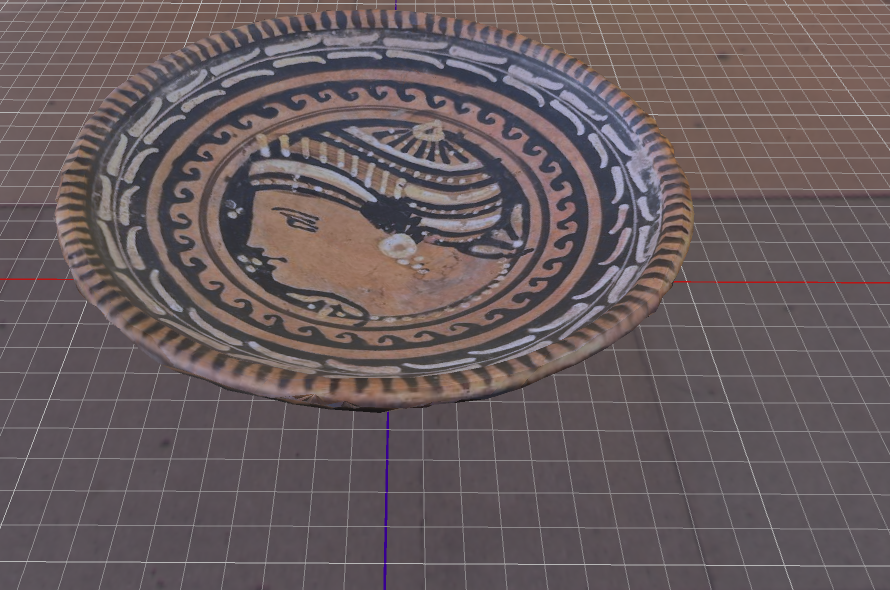
I did remove the black background by hand, though.
The interesting thing is that it added Sharps to edges automatically, you can see them in cyan.
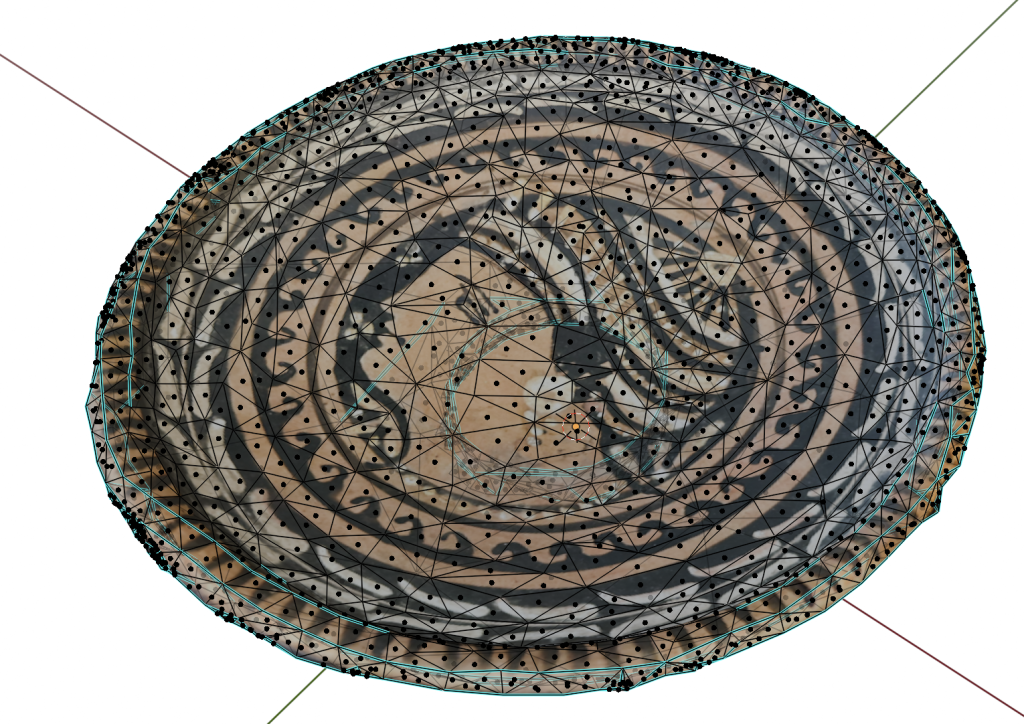
Of course the other interesting announcements in this field were Nvidia’s Meshtron and Microsoft’s Trellis (try it on hugginface), both of which do really interesting mesh generation.
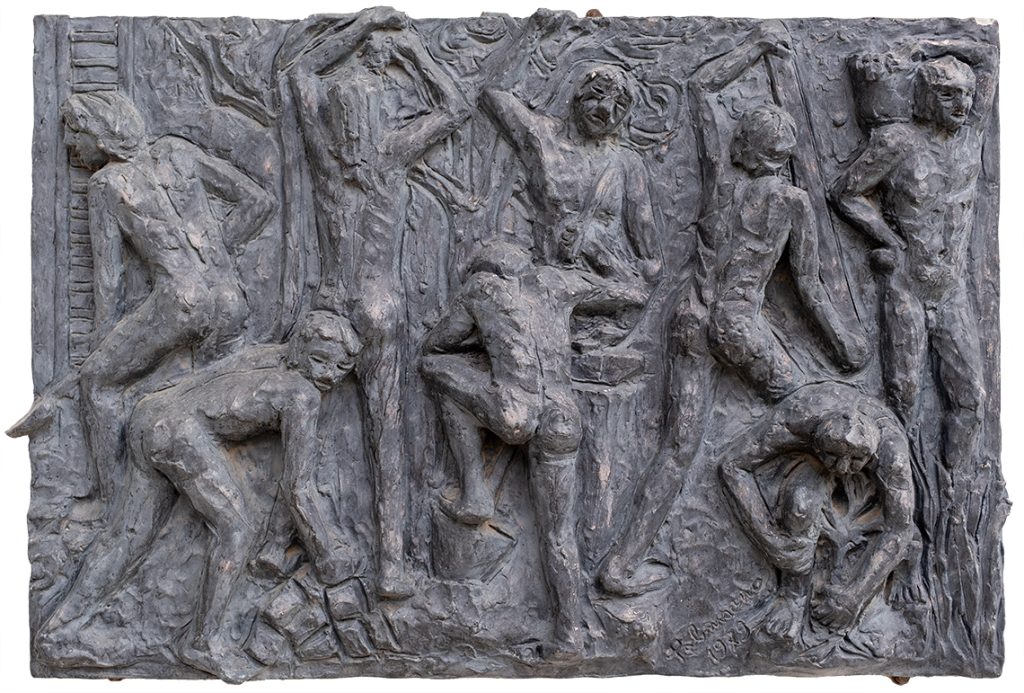
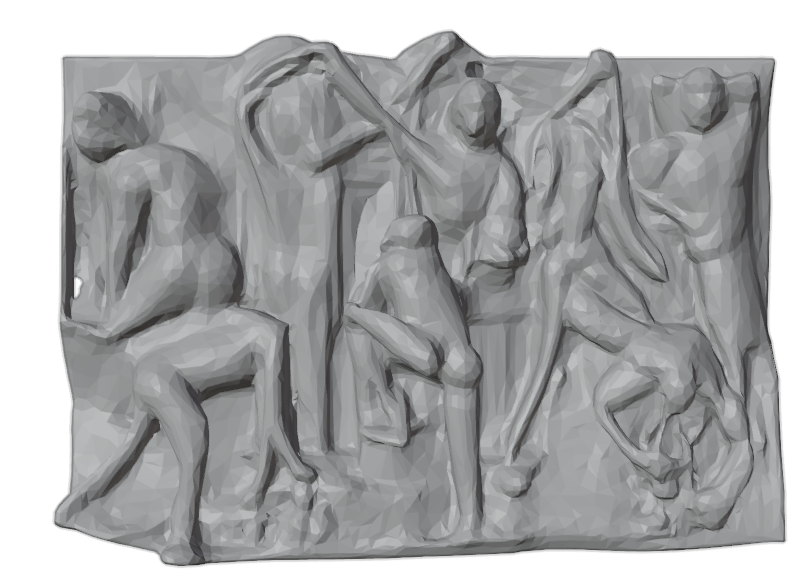
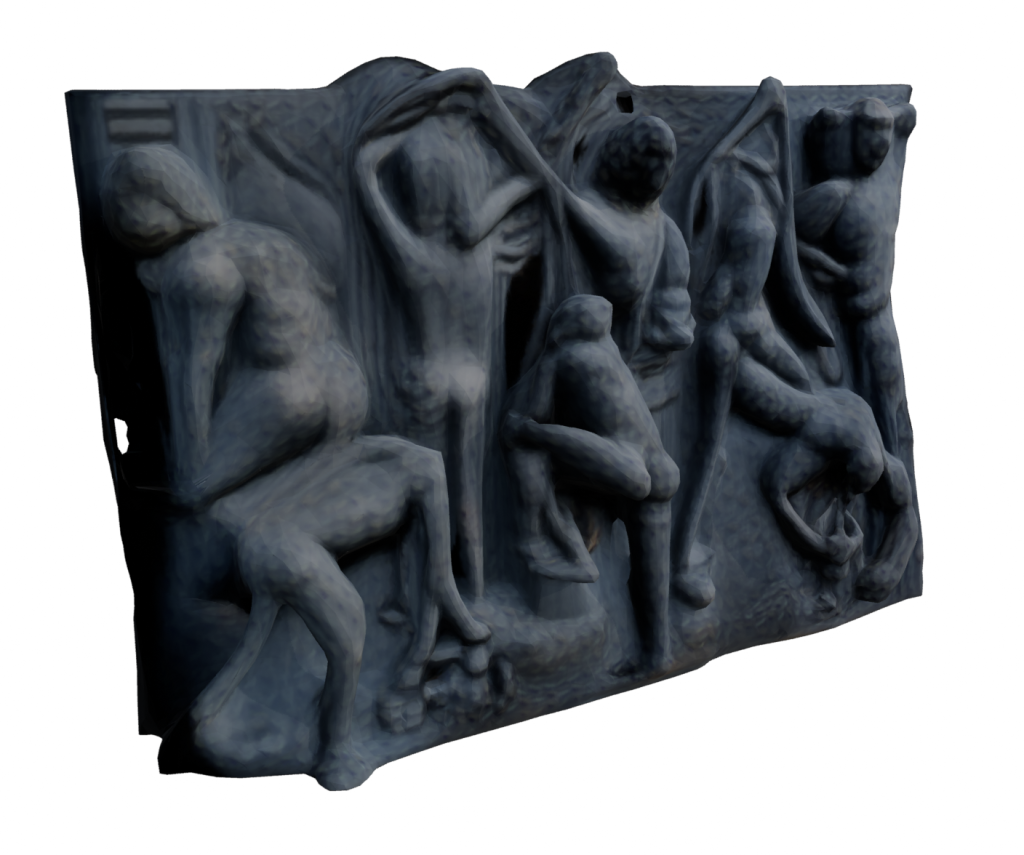
Of course for our requirements we cannot simply throw generative AI at the problem and hope for the best, we need to carefully represent the actual objects. But just as a try, we did try to throw an image of a bas-relief at Trellis. It created a plausible (but incorrect) result with a low-res texture. We tried throwing the original image on it as a texture, and it almost looked like it worked, until we tried moving the point of view.
This is the original photo, it’s Il Lavoro by Pietro Palmisano, from the BCC Arte & Cultura catalogue.
Generated model, with no texture:
With the AI-generated texture
With the original texture applied:
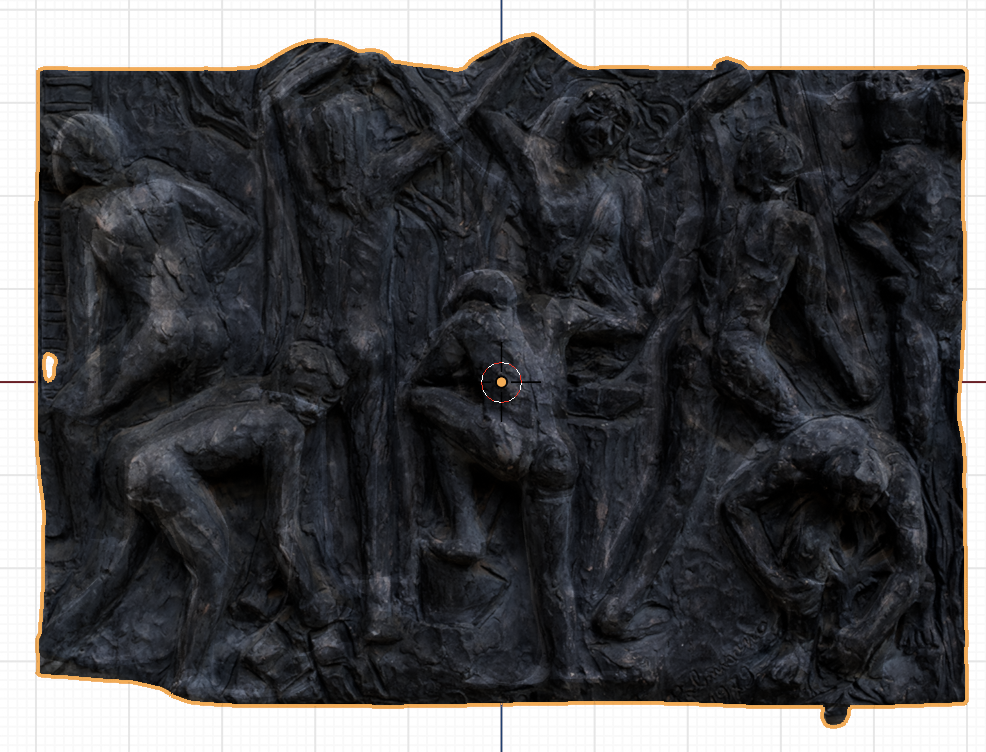
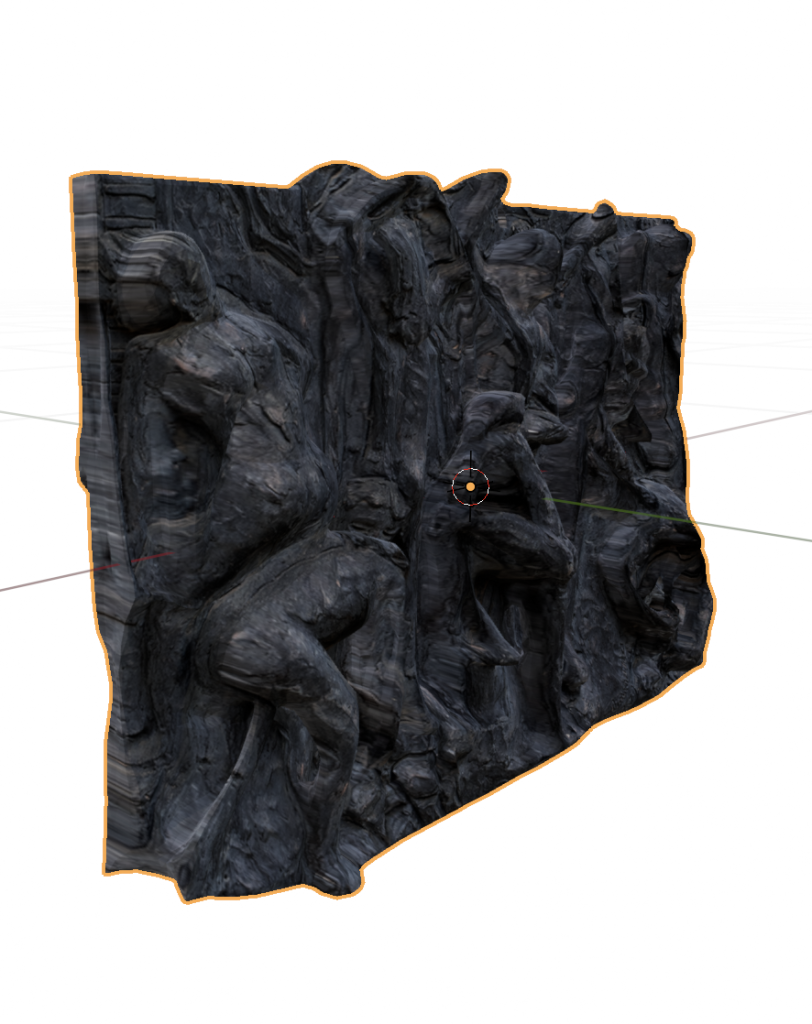
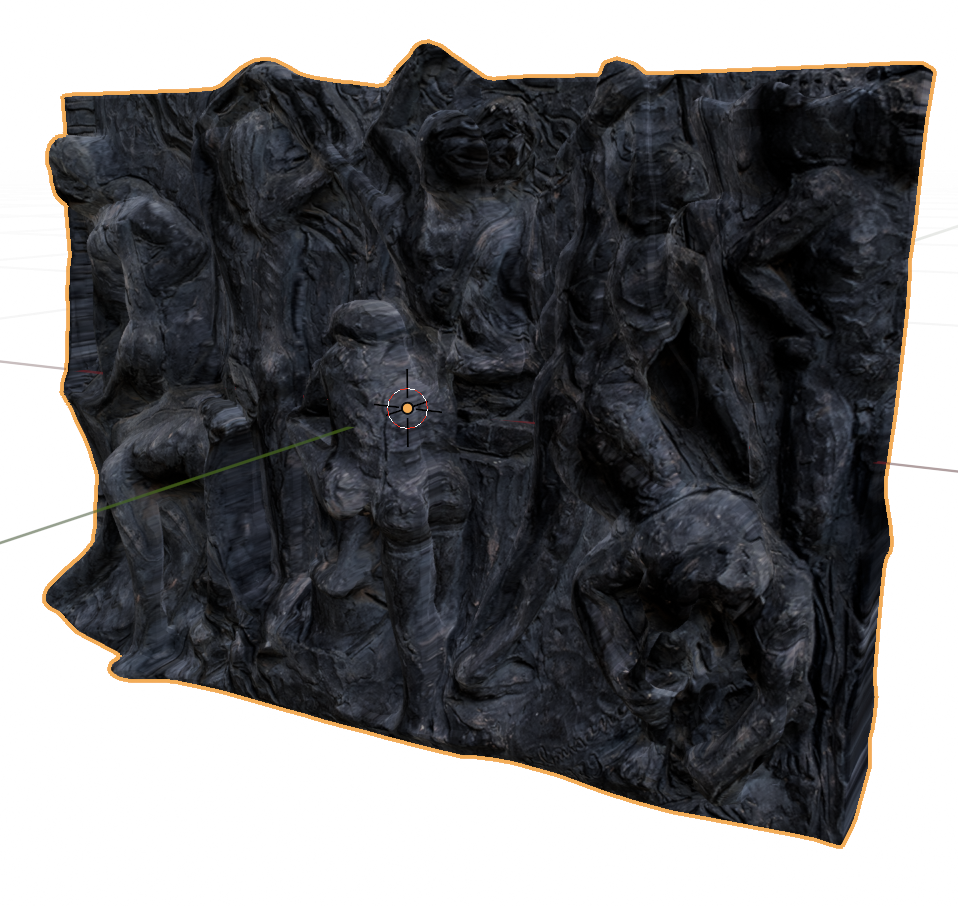
It’s simultaneously very impressive, and not any good. We could try to salvage it by sculpting the most egregious parts, and we could do way better on the texture mapping.
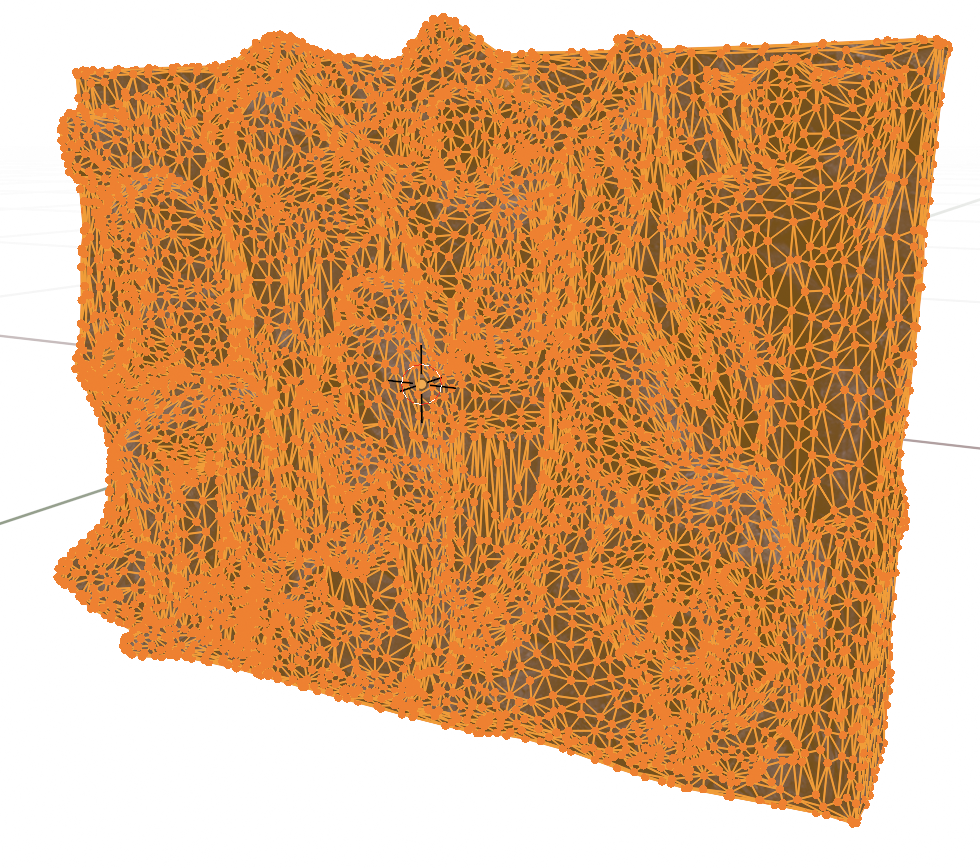
The geometry is really quite dense, we could try combining Trellis with Moderate Weight Reduction Tools.
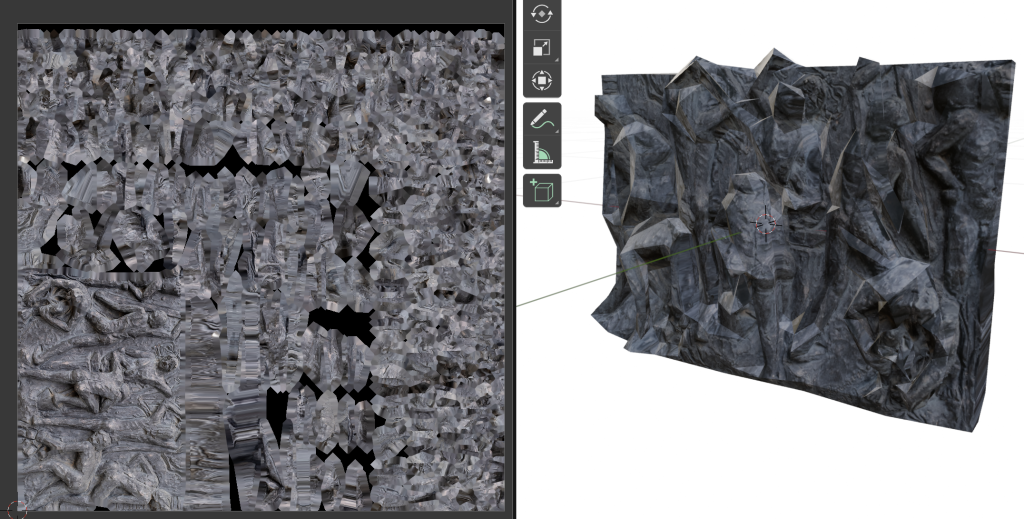
That really broke down. The geometry became visibly spiky, but the texture is just all wrong, it did not expect our “Project from View” trick.
-
BCC Arte e Cultura launch
We can finally talk about this! (If you look at the tags you might find a few related stealth posts)
For the past year or so, we’ve been working on the cataloguing and digitalization project of the art and cultural heritage assets of the BCC ICCREA group.
Overall 59 banks and 109 works were included. The results were an art book, a digital catalogue, and a 3D gallery. We created 3D models of buildings and sculptures, we photographed a few paintings, and most importantly we created the 3D gallery.
The project was announced in the rather wonderful Biblioteca Braidense, and it has already gained quite a bit of press:
- https://www.bccveneziagiulia.it/news/dettaglio_news_div.asp?i_menuID=71368&hNewsID=177897 (our first clients, thanks!)
- https://www.artribune.com/professioni-e-professionisti/2024/12/nasce-iniziativa-bcc-arte-cultura/
- https://www.vipiu.it/leggi/bcc-artecultura-coinvolgere-le-comunita-locali-alla-scoperta-e-alla-valorizzazione-del-patrimonio-artistico-e-culturale/
- https://insideart.eu/2024/12/11/il-nuovissimo-museo-diffuso-del-gruppo-bcc-iccrea/
- https://www.corriere.it/cultura/24_dicembre_11/italie-dell-arte-8792f0f2-b722-11ef-8a8c-92a9a5aa32b7.shtml
- https://www.economymagazine.it/bcc-iccrea-presenta-il-progetto-nazionale-bcc-artecultura/
- https://italia-informa.com/bcc-arte-cultura-museo.aspx
- https://www.exibart.com/progetti-e-iniziative/digitalizzazione-e-arte-nasce-il-museo-diffuso-di-bcc-artecultura/
- https://euroborsa.it/bcc-iccrea-arte-cultura.aspx
- https://www.repubblica.it/dossier/economia/top-story/2024/12/10/news/un_filo_rosso_tra_banche_e_territorio_via_al_piu_grande_museo_diffuso_privato_nazionale-423875072/
- https://artemagazine.it/bcc-artecultura-un-museo-diffuso-per-raccontare-lidentita-culturale-italiana/
We’ll be back soon with a thorough log of what we did, and how we did it.
(Also, there are still quite a few wrinkles to take care of, if you find any, drop us a line!)
-
Expedition report: BCC Arte & Cultura
The first half of this year was taken up by two large projects for BCC ICCREA. We’re doing the immersive components of the BCC Innovation Festival (a startup festival, we were among the winners of the first edition) and of BCC Arte & Cultura (an effort to catalogue the art and cultural heritage artifacts belonging to the banks of the group). For the latter, we went around Italy digitizing the most complex and 3D objects.

All the points we visited Logistics
At this point it’s not really clear what we’re allowed to publish, as legal departments are surprisingly slow in responding to our queries, so we are going to err on the side of caution. You’ll have to wait until the official announcement before we post the actual works that we’ve digitised, but there shouldn’t be any harm in discussing how we set up the logistics.
Sadly, these locations were largely connected too poorly to attempt to do the whole trip using public transport. We really wanted to be ecological, but we didn’t find a way to do it in the given time and cost constraints without heavily relying on cars.
Once we could confirm the availability of the works on a given day we found cheap accommodations on Booking, loaded all the equipment and all the team members in a car, and we generally tried to avoid traveling during working hours. Northern Italy was covered through a series of short trips, while central and southern Italy were covered sequentially, going roughly clockwise. Some extra trips had to be broken out of the main loop, we managed to make that convenient by relying on some really good friends, who very graciously hosted us.
The whole thing cost us a bit under €2000, which is not too shabby for a 3-person team. This figure includes highways, fuel, accommodation and food, but it does not include the wear and tear on my car. Or the fact that I forgot some lenses at a friend’s place.
What we digitized
Again, we’re not supposed to share images of the works, as many of them are copyright encumbered, so stay tuned for the official launch of the project. I don’t think there’s any arm in sharing a list of what we did, though:
- Alla fine del Giorno, Alberto Sughi, oil on canvas
- Natività, Ilario Fioravanti, painted ceramics
- Presepe, Capuano Brothers, multiple materials
- Ducal Palace and several artifacts, in Mafalda
- Ut Unum Sint, Arnaldo Pomodoro, outdoor metal stele
- Bank building, Ugo Pagliara, building and architectural drawing
- Carrù Castle, building
- Chandelier made of Murano glass, 3 paintings, near Venice
- Acquaviva Picena, whole building (we ended up scanning the whole town)
- Incontri al Maneggio, Silvano Spessot, iron and colored glass sculpture
- Untitled, Nane Zavagno, steel sculpture
- Pinocchio, Venturino Venturini, bronze sculpture
- Sant’Antonio Abate, Luca della Robbia, painted ceramics
- Bank builiding, part of the Gradara castle-town
- Bank building in Alba (no drones for this one, we had to climb literal towers!)
- Assalto all’Olimpo, Bruno Liberatore, bronze sculpture (a much larger version is in Rome)
- Untitled, Cesare Berlingeri, bent and stacked colored paper
- An archeological site in Rome, featuring Imperial-age fresco-ed walls and a very well preserved Roman road
-
TIL-post: point cloud processing
We’re working on a small archeo-acoustics project, whose starting point is a LiDAR-obtained point cloud in LAS format. This is the first time we’ve worked with this kind of data, so I’m writing down the data processing steps.
There is a complete tutorial on handling point clouds in Blender by Florent Poux: https://youtu.be/DCkFhHNeSc0
In order to visualize the data, my first attempt was using Blender, with this plugin: https://github.com/nittanygeek/LiDAR-Importer
You only need to pay a bit of attention about the Python path while installing it, especially if you have multiple versions installed, but the provided instructions are perfect. We were able to see points in Blender, and to get a general idea for the shape of the cave, but getting from there to an actual mesh is non-trivial.
Instead, we found a short tutorial for doing the same thing using CloudCompare.
As a super short summary: open your point cloud in CloudCompare, select it, convert it to a mesh by going to Plugins>PoissonRecon. You can also choose between the color actually captured for each point, or this density heatmap: red is maximum information density, blue is the minimum.
In the next steps we’ll need to convert the mesh to quads (using Blender), import the model into Ramsete, then assign materials to each face and run the simulation. In order to properly calibrate the model we’ll need to know the specifics of each material, or ideally even perform actual acoustics measurements, like we did for the Tindari paper.
-
Press Release: Sala Venezia Giulia
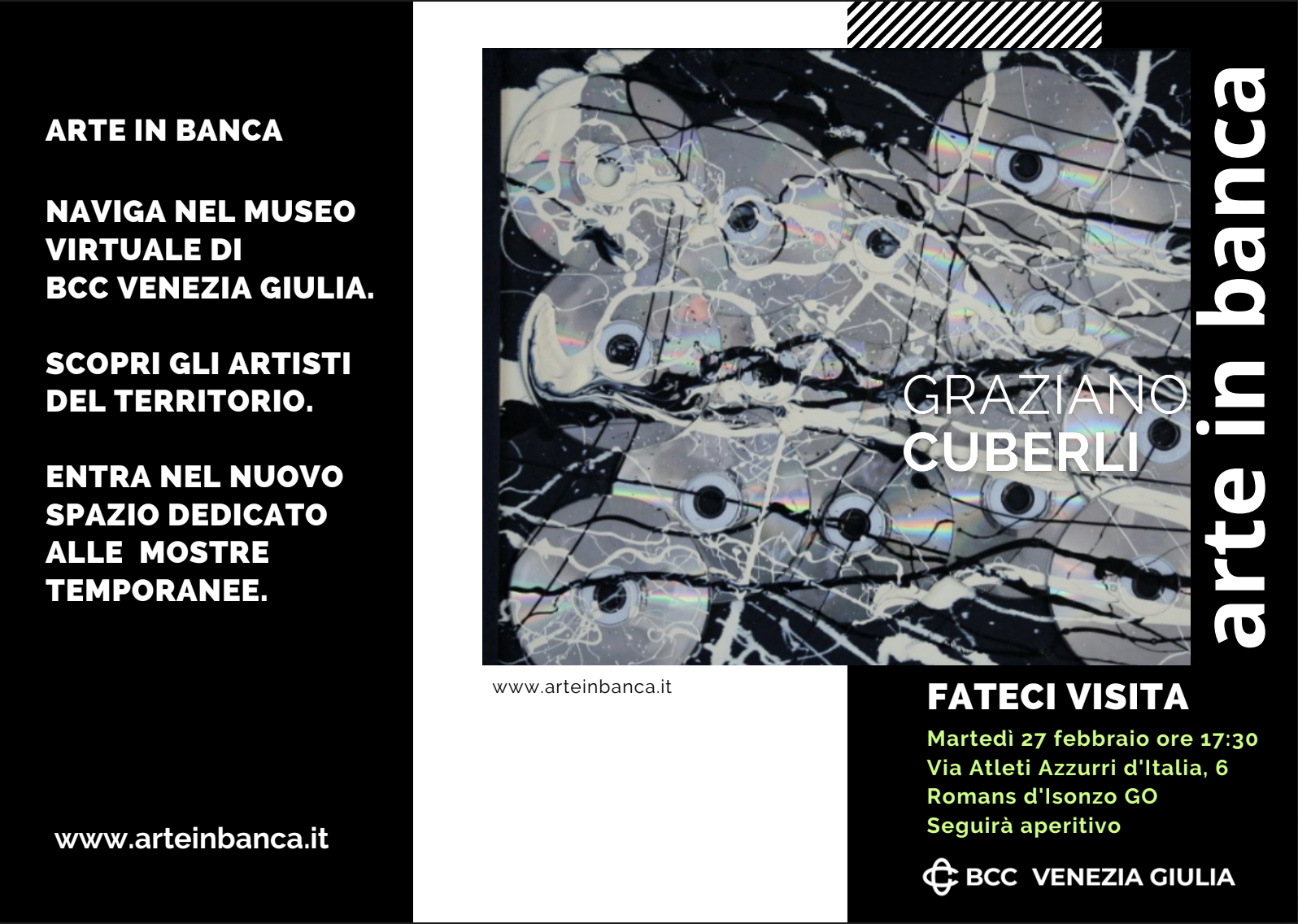
The BCC ICCREA group issued a press release about the newly available Sala Venezia Giulia: an additional room for temporary exhibitions in the Arte in Banca virtual gallery.
The room currently hosts 5 works by Graziano Cuberli. An inauguration reception was held in Romans d’Isonzo.

For the occasion we overhauled the rest of the Arte in Banca experience. A new control scheme is now available on mobile devices, and the photogrammetries in rooms 1 and 5 can also be accessed in Augmented Reality.

New mobile control scheme
The original control scheme for the Arte in Banca project aimed at providing one-handed six-degrees-of-freedom movement on a touch device. We used a redundant control scheme for rotation, using both the gyroscope and a one finger drag gesture. This allowed for 3dof rotation, but users found the gyroscope cumbersome to use for long periods, as it imposed ergonomic constraints.
Translation was handled with a one finger press to move forward, and a two fingers tap to move backwards. This movement was combined with the drag rotation to achieve a sort of steering, which was somewhat unwieldy in tight spaces, and didn’t allow for strafing.
We added two joysticks using nipple.js, the left one controls translation, the right one controls rotation. This works well for people used to videogames, others don’t fare as well.
This sent us down a rabbit hole of academic papers, user testing, and just plain old trying other products. We found that despite the popularity of 6dof games on mobile devices, most users are just terrible at achieving any sort of mobility. This is very discouraging given our goals, but we also found out that we score great in the mobile version of Call of Duty.
It seems that there is a reason why our competitors usually restrict movement along one or more axis. This is where we stopped for the Arte in Banca project, but check this blog soon for further experimentation.
AR view
We also wanted to add better visualization tools for the objects and sculptures that we digitized. We went the easy way, by using https://modelviewer.dev/
It provides a nice 3D viewer, and it allows for webAR on both Android and iOS, complete with light estimation, and some rudimentary occlusion. It can be accessed by tapping or clicking on any 3D object in the virtual museum, then on the tiny cubic icon on the right, if you’re using a supported device.
Stay tuned, we have a lot of interesting projects to write about in the next few months!
-
New resources for the immersive web, week of December 11th 2023
WebXR on iOS
Motivated by coming across the embedded post on Mastodon, we looked into existing solutions for iOS.
We found this one, which is very sleek, but a bit on the expensive side: https://launch.variant3d.com/
Gaussian Splatting Explosion
Meta: a collection of Gaussian Splatting stuff https://aras-p.info/blog/2023/12/08/Gaussian-explosion/
SMERF: Streamable Memory Efficient Radiance Fields
Relightable avatars
https://80.lv/articles/new-relightable-animatable-realistic-avatars-from-meta/
Gaussian Splat based SLAM
https://neuralradiancefields.io/splatam-slam-with-speed-precision-and-gaussian-splats/
Visual Editor for React Three Fiber
Triplex is not actually a new project, but it is still in early access.
ThreedTiles: a 3DTiles viewer for three.js
Source code. Some really impressive demos, particularly the map and Berlin.
-
A 3D reconstruction comparison
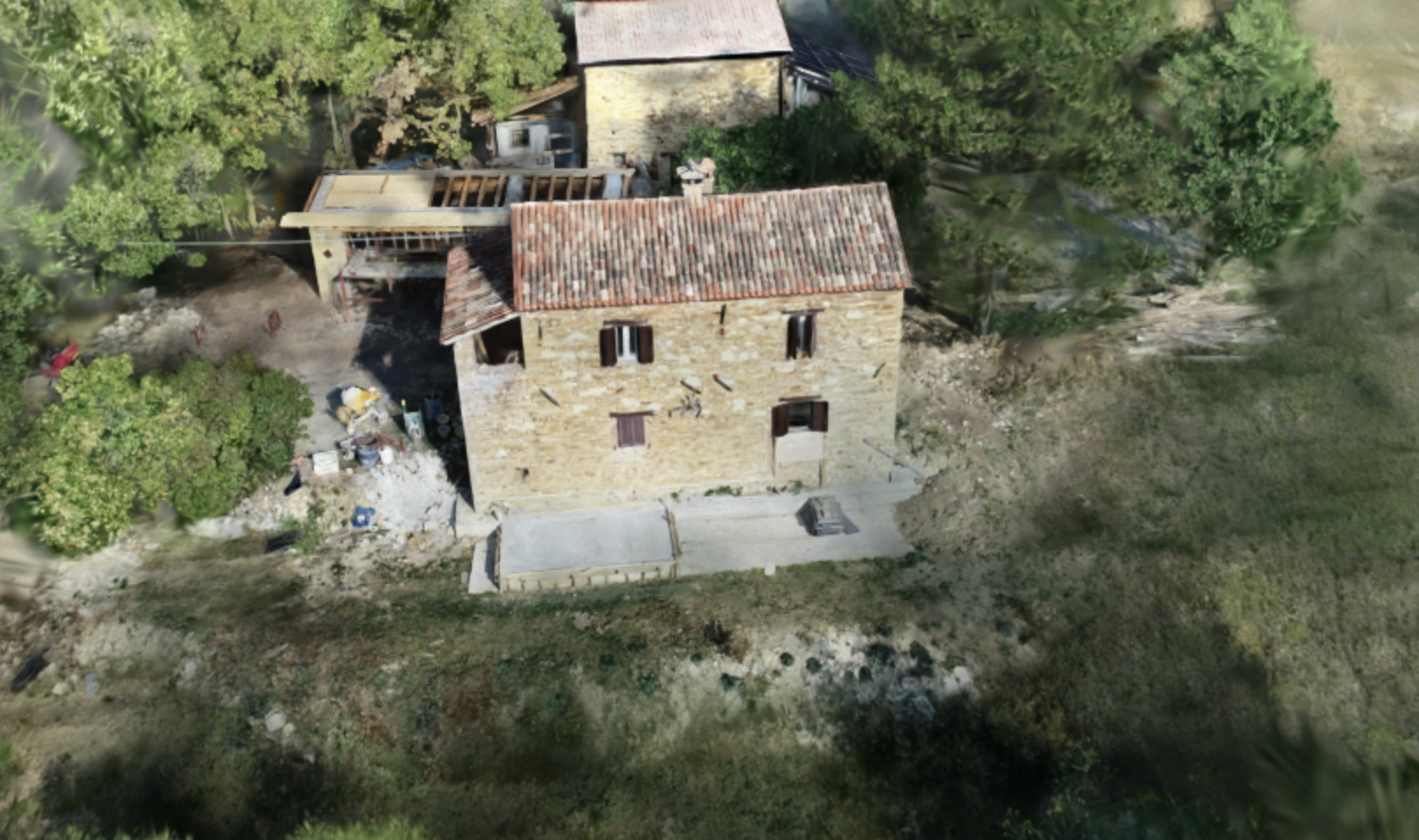
In the past few weeks a new reconstruction technique has been taking the community by storm, called Gaussian Splatting. It is sort of an evolution on NeRFs, and mathematically it’s not dissimilar from the kind of reconstructions we do for spatial audio.
Luckily a couple of companies have already implemented Gaussian Splatting pipelines, and here we are comparing two of them with photogrammetry.
Here is Luma AI:
Polycam
And finally a photogrammetry computed with PhotoCatch (which uses Apple’s ObjectCapture API, like Polycam’s photogrammetry), converted to GLB in Blender to stay under Sketchfab’s size limit. In practice the only modification is that the textures are in JPEG instead of PNG.
The difference is particularly evident in the textures on the building, and it’s just staggering on the vegetation.
Also there is a small caveat: Luma was given a video, Polycam was given 200 photos, PotoCatch was given around 250 photos. This reflects differences in the platforms themselves.
Update 2023-10-12: There is already an A-Frame component for self-hosting Gaussian Splats, we’re going to try it real soon.